
Video
NSFW Image to Video AI in 2026: Best Picks and How to Animate a Still
Which platforms give you stills worth animating, the free one that actually generates video, and how to turn a single image into a clean few-second clip, hosted or on your own GPU.
18+ only. Prices and limits change often, so confirm them on the provider's page.

Key takeaways
- Start with OurDream if you need stills worth animating; its image generation sits at the centre of the product. None of the five paid apps is a dedicated video studio, and video support across them varies.
- For video generation in one account, Naughty AI is the one free-to-try site here that does it. For full control, no filter and no upload, run a local pipeline on a 12GB-or-better card.
- The source image decides most of the result. A sharp still with a large face, visible hands and a plain background fixes more bad clips than any setting.
- Native clip lengths in late 2026 run from about two to thirty seconds depending on model class. Anything longer is chained extensions, and every link inherits the drift of the one before it.
- Never animate a real, identifiable person into sexual content without explicit consent. The TAKE IT DOWN Act made it a federal crime and put a 48-hour removal duty on platforms.
NSFW image to video AI: the short answer
Image-to-video, written i2v, takes a still you already have and produces a short clip that starts from it. For adult work that means a few seconds of motion, usually silent, built from a picture of a character you made. The quality of that clip depends more on the still than on the tool, which is why the platforms below are ranked on their stills.
- OurDream for the shortest path to a still worth animating: image generation is bundled in and central to the product.
- Joi AI if the character staying herself between sessions matters more than the pictures.
- Lovescape if you want to specify her look in detail before anything is generated.
- Candy AI for the broadest roster of characters to start from.
- Nectar AI for the slowest burn, written with patient pacing, around the clip.
None of those five is a dedicated video tool. If you want video generated in the same account as the chat and the stills, Naughty AI is the only entry on this page that does it. If you want NSFW image to video AI with no filter, no per-clip charge and no upload, a local pipeline beats all of them, and the jump that makes it comfortable is a card in the 12 to 16GB band.
The rest of the page is what gets you a usable clip: preparing the source image, the real ceilings on length and frame rate, prompting motion, a diagnosis table for flicker and drift, hosted versus local, and the few legal rules you cannot break. I run this on our own 8GB, 16GB and 24GB machines. Every figure is dated September 2026, because specs and prices here change monthly.
Best platforms for NSFW image to video AI in 2026, ranked
One caveat first. These five are companion and generation platforms rather than video studios: video support across them varies, with some shipping animation features and others being chat and stills with motion arriving unevenly or not at all. They are ordered on overall quality and on how well their still output feeds an animation pipeline, because a like-for-like video comparison across them would have been misleading as of September 2026.
Below the five paid platforms, the list continues with free-to-try sites, including NSFW AI Writer itself. Naughty AI heads that lower half because it is the one site there that actually does video generation alongside chat and still images, with the trade-off that each feature is shallower than a dedicated tool. The rest are chat and image sites: useful for building a character and generating source stills, not for animating them.

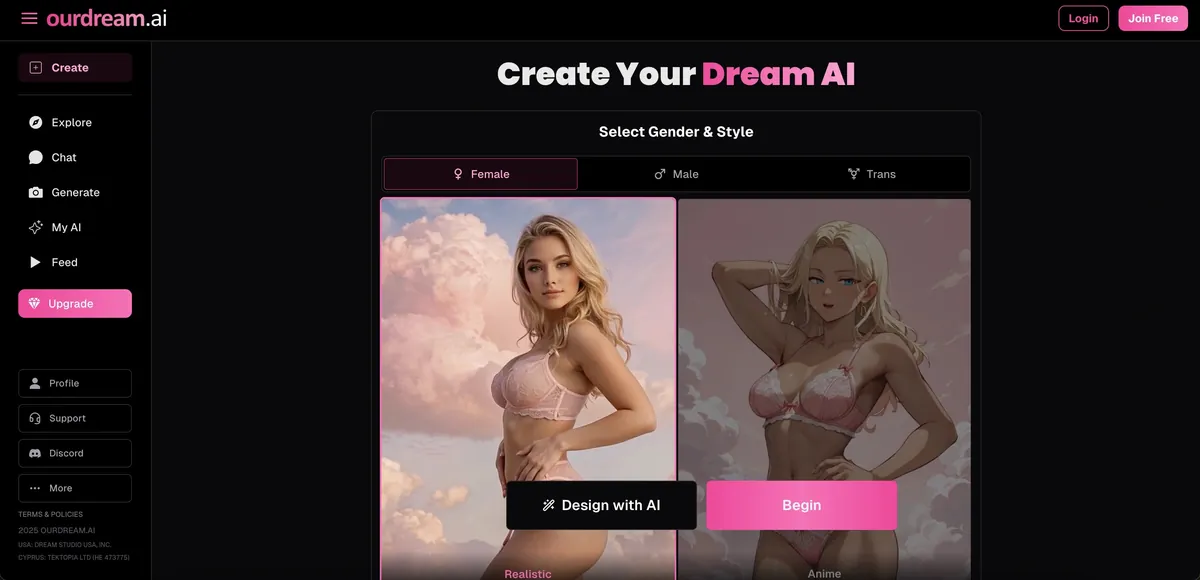
Anime and stylised art with image generation bundled in, and the shortest path from signup to first output of anything here. Text roleplay is the shallower half of the product, so it suits people who are primarily there for the pictures and treat the writing as framing.
- Anime-style character art
- Image generation included
- Fast account setup
- Shallower text roleplay
- Smaller story depth
- Less grounded writing

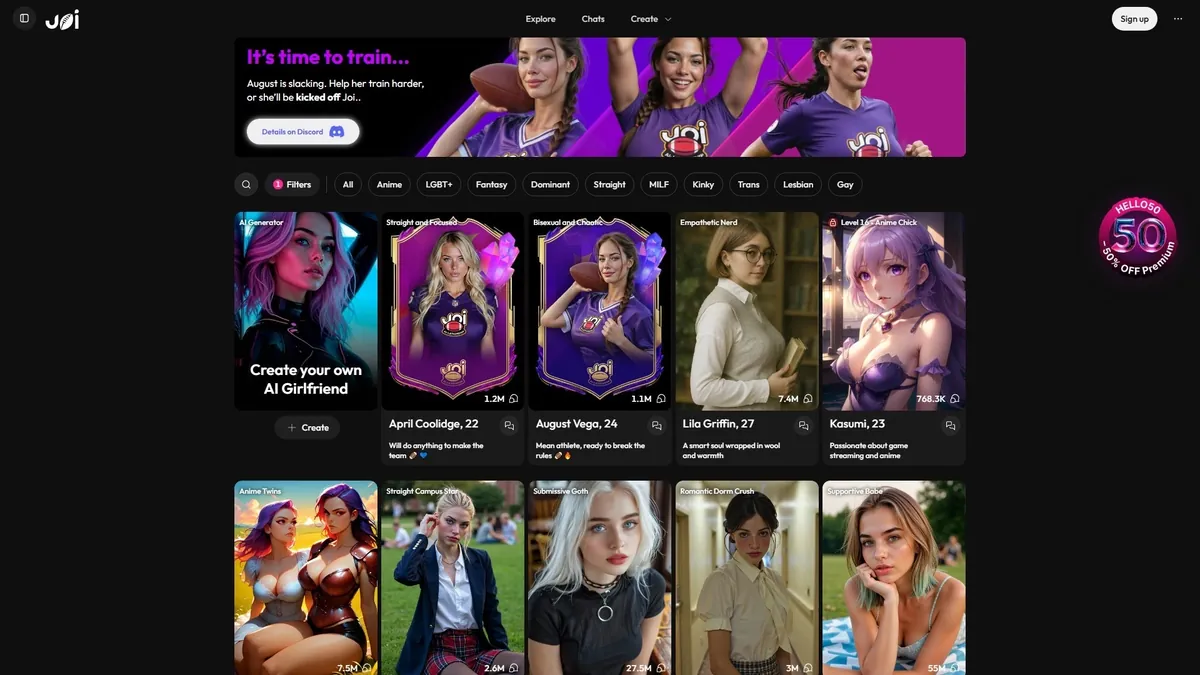
The strongest of the six at holding an emotional register across a long scene, and the only one where voice feels like a first-class feature rather than a bolt-on. Characters stay recognisably themselves between sessions. You pay for that — its month-to-month price is near the top of this group, and the creator community around it is smaller.
- Voice-first roleplay scenes
- Deep emotional consistency
- Strong character roster
- Premium pricing
- Smaller creator community
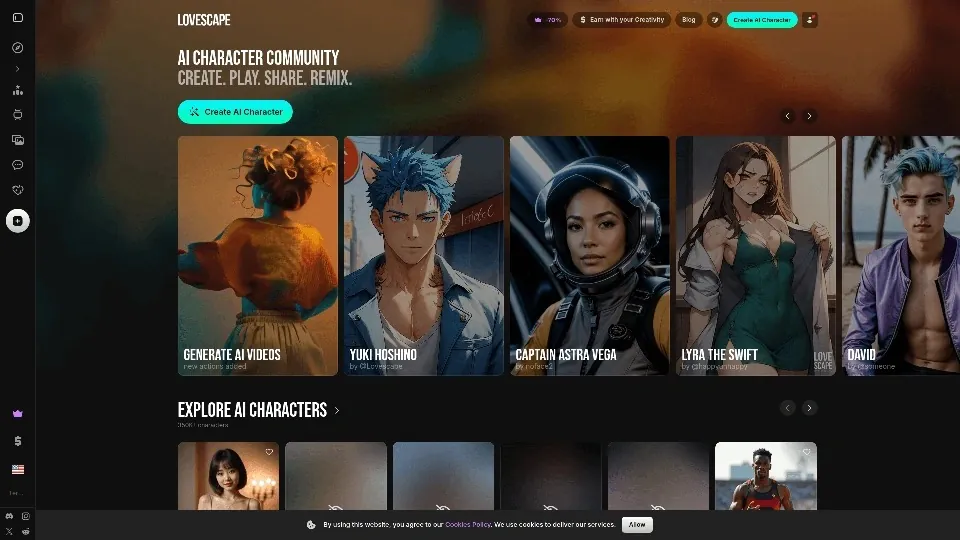
Built around detailed character setup: appearance, temperament and scene framing are all set explicitly before you start, and explicit output is not fenced off behind hedging. The trade is time — the first fifteen minutes are configuration, not story. Worth it if you already know exactly what you want.
- Detailed scene customization
- Uncensored adult content
- Slick visual interface
- Steeper learning curve
- Less voice focus
- Setup takes longer

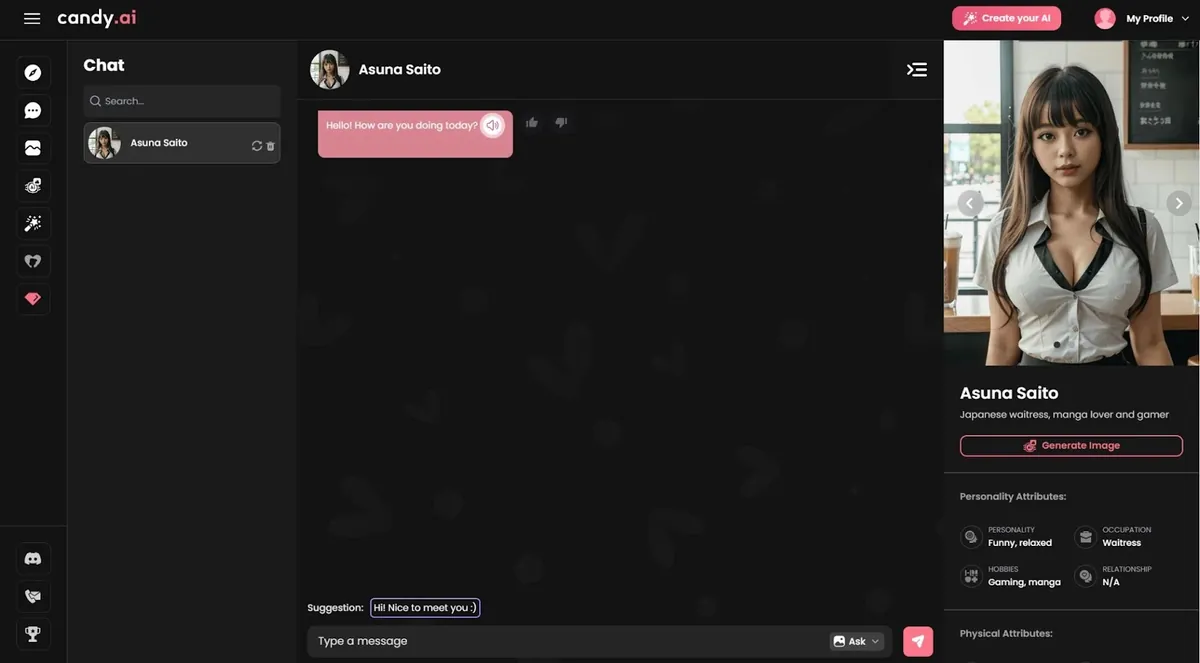
The largest roster of the six and the most responsive on mobile — replies come back fast and the app itself is polished. Long-term memory is its weak point: it is good at a hot scene tonight, less good at a storyline you return to across weeks.
- Huge character library
- Polished mobile app
- Fast response speed
- Weaker long-term memory
- Less consistent continuity
- Generic story beats

Writes in a romance-fiction register and is genuinely patient about pacing — it will stretch the approach across many exchanges instead of jumping to the payoff. That is the point, and also the objection: if you want explicit immediately, it will feel like it is stalling. Smaller character roster.
- Romantic fiction tone
- Slow-burn story arcs
- Strong written atmosphere
- Smaller character roster
- Slower story pacing
- Less spicy upfront
Free to try

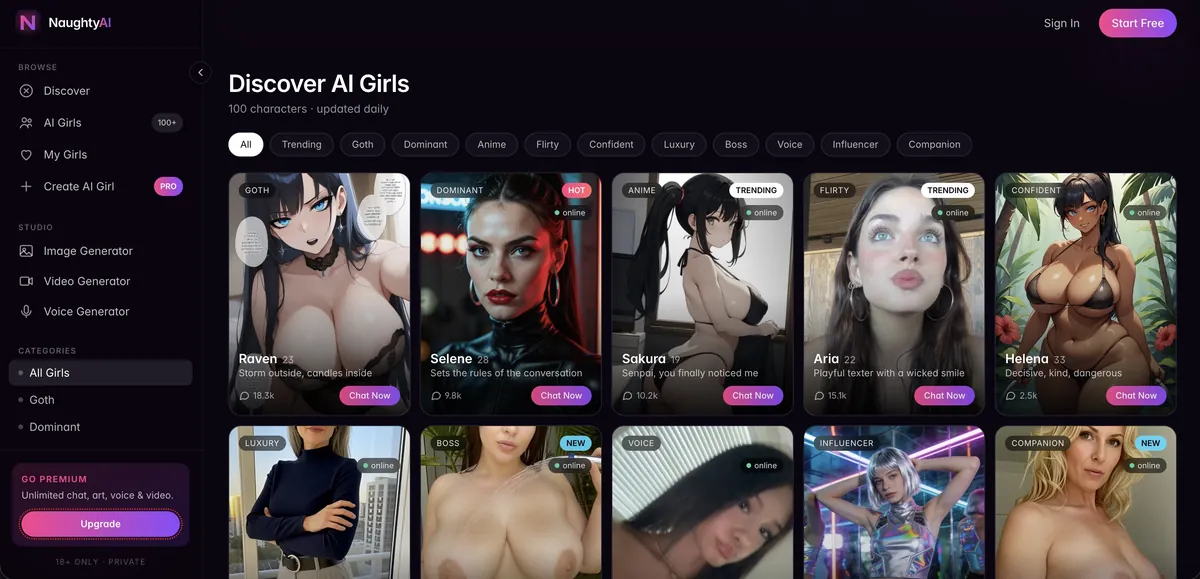
Our widest-scope site: companions, image generation and video generation share one account, so you are not stitching three tools together. The breadth costs some depth in each individual feature.
- Chat, images and video under one login
- No separate accounts to manage
- Each feature is shallower than a dedicated tool
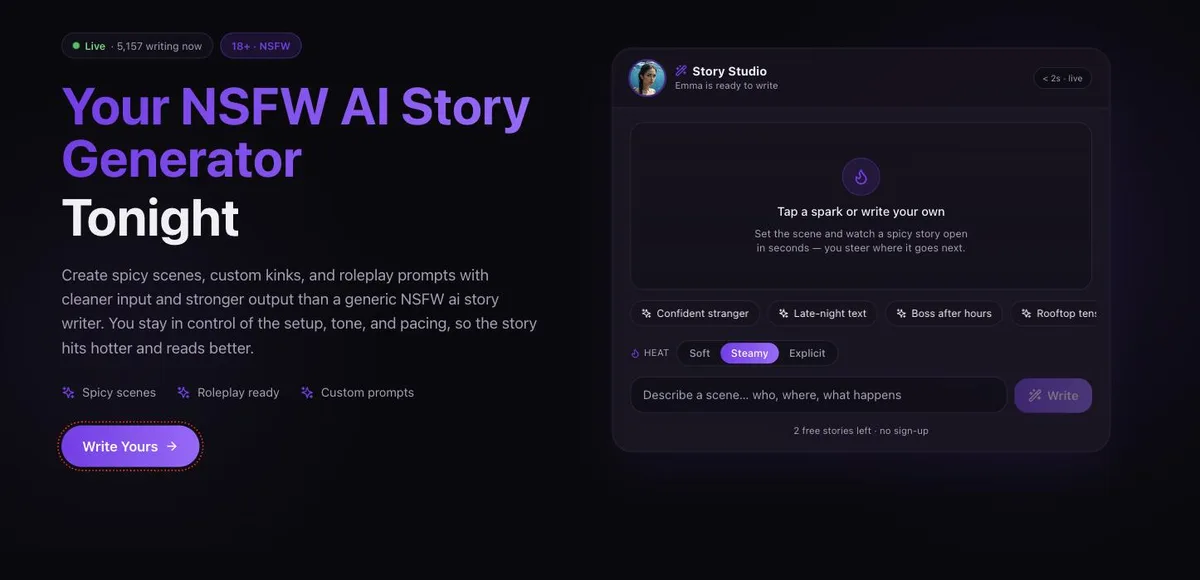
This site. Built for written scenes rather than companionship: you set the premise, tone and pacing, and it writes the story back. Characters keep a defined personality so a scene does not reset every few lines. Free to try in the browser, no install.
- Built for story output, not small talk
- Start writing in the browser
- Scene tone and pacing stay under your control
- Not a long-term companion simulator

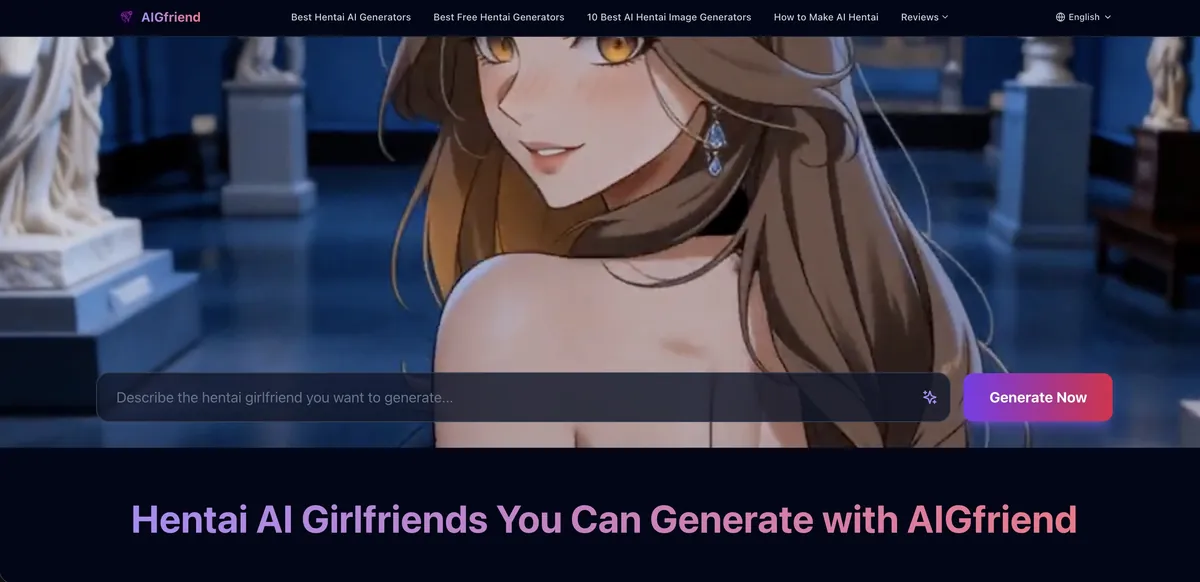
Pairs an anime-style companion chat with image generation of the same character, so the pictures actually match who you have been talking to instead of being a separate roll of the dice.
- Images match the character you are chatting with
- Anime-style generation included
- Smaller character roster than the bigger sites

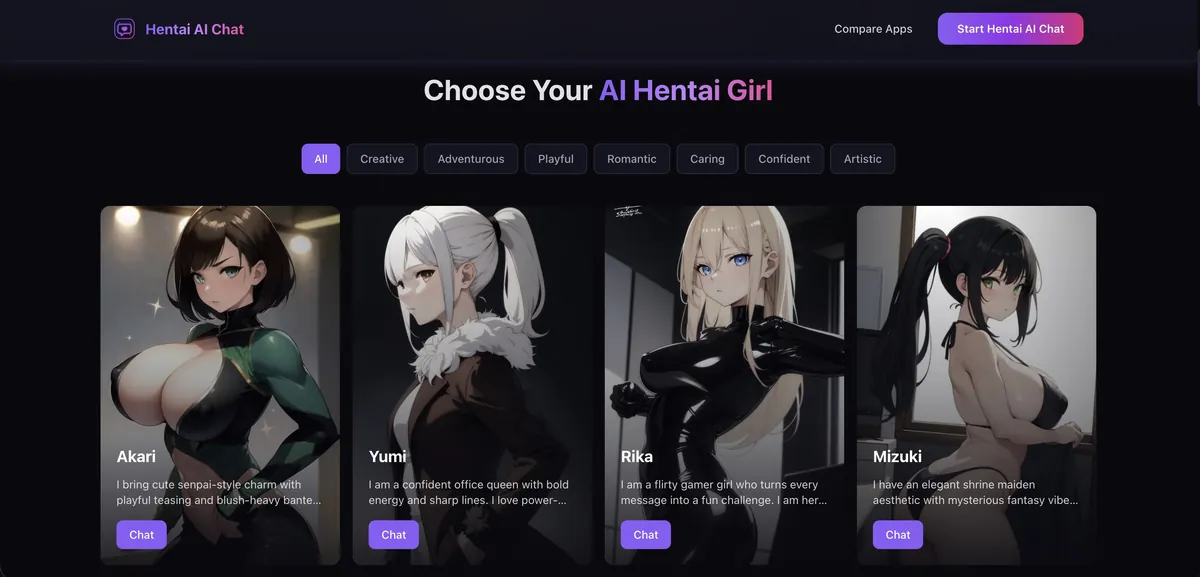
Anime-first: the character roster, the art direction and the writing register are all tuned for hentai and anime fans rather than treated as one style among many. No sign-up needed to start.
- Anime-native character roster
- No sign-up to start a scene
- Narrow by design — no photorealistic side

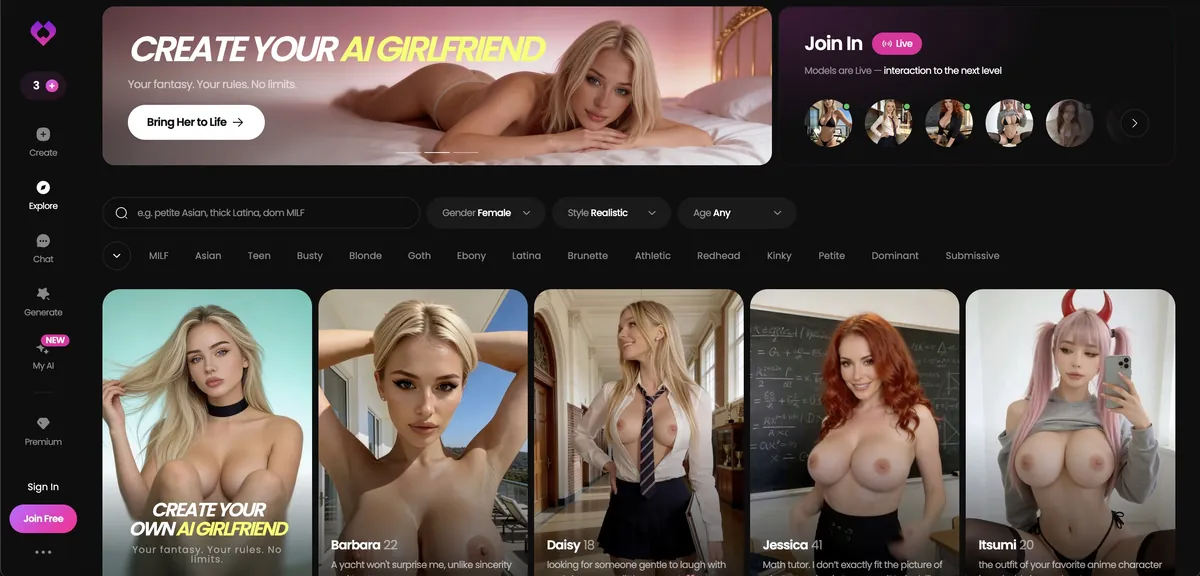
The easiest of the six to get into and the least demanding to set up, which makes it a reasonable place to find out whether you like this kind of tool at all. Premium features and interface polish lag the others, so most people who stay end up moving on to something deeper.
- Easy category entry
- Simple character setup
- Quick testing flow
- Thinner premium features
- Less polished experience
- Lighter roleplay depth

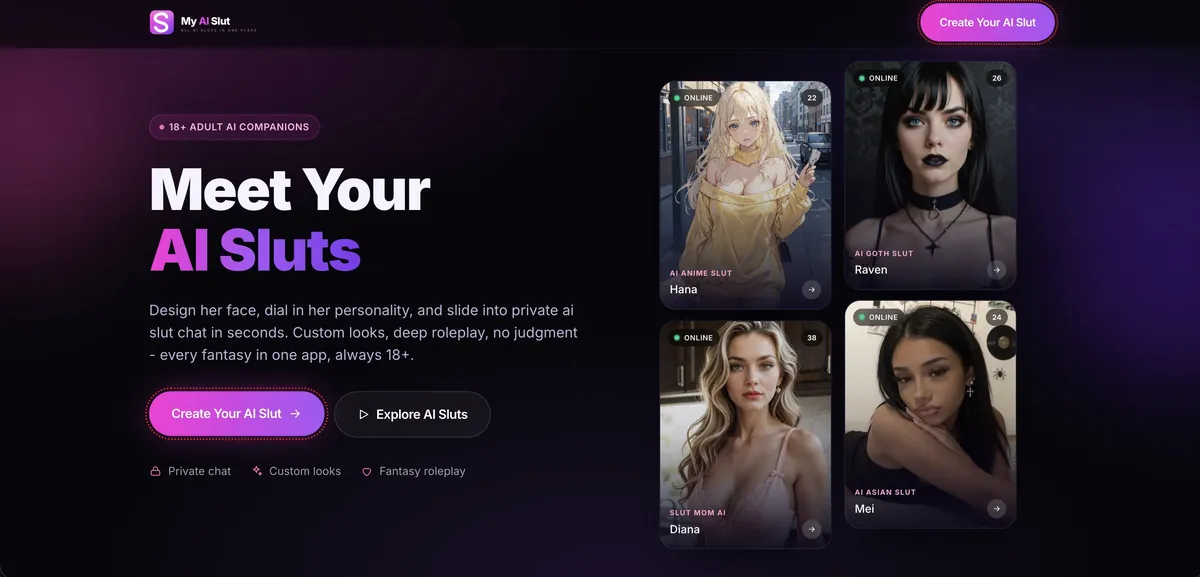
Adult-first companion builder with generation attached — explicit by default rather than explicit-once-you-find-the-setting. Fewer guardrails to negotiate at the start of a scene.
- Explicit by default, no warm-up
- Character design plus generation
- Sparser free tier than our chat-only sites
| Platform | Visual style | Images (per card) | Setup effort | Price | Weak spot | Link |
|---|---|---|---|---|---|---|
| OurDream | Anime and stylised art | Image generation included | Fast account setup | $19.99/mo · $9.99/mo yearly | Shallower text roleplay | Try → |
| Joi AI | Voice-led, not visual-first | Not claimed on the card | Not flagged either way | $17.77/mo · ~$5/mo yearly | Smaller creator community | Try → |
| Lovescape | Appearance set explicitly up front | Not claimed on the card | Longest: configuration first | $12.99/mo · $5.99/mo yearly | Steeper learning curve | Try → |
| Candy AI | Huge character library | Not claimed on the card | Polished mobile app | $13.99/mo · $3.99/mo yearly | Weaker long-term memory | Try → |
| Nectar AI | Romance-fiction register | Not claimed on the card | Slow-burn pacing | $9.99/mo · ~50% off yearly | Smaller character roster | Try → |
| Naughty AI | Mixed | Images, plus video generation in the same account | Low: one account | Free tier available | Each feature shallower than a dedicated tool | Try → |
| NSFW AI Writer | Written scenes | None: this site writes stories | Low | Free to try | No images or video | Try → |
| AIGfriend | Anime | Anime-style images that match the character | Low | Free tier available | Smaller roster; no video | Try → |
| Hentai AI Chat | Anime and hentai | Not claimed on the card | Low: no sign-up to start | Free tier available | No photorealistic side; no video | Try → |
| GoLove AI | Not highlighted | Not claimed on the card | Low | $12.99/mo · $4.15/mo yearly | Features and polish lag; no video | Try → |
| My AI Slut | Your own design | Character design plus generation | Medium | Free tier available | Sparser free tier; no video | Try → |
Rows from Naughty AI down are free-to-try sites; of those, only Naughty AI generates video. None of the five paid apps is compared on video, because their cards do not claim a like-for-like video feature. Prices checked September 2026 (month-to-month · yearly-term per month); confirm on the provider’s page before paying.
OurDream is first because image generation is bundled in and central to the product rather than an add-on, and it has the fastest setup of the five, so the distance from sign-up to a still worth animating is the shortest here. Its weak spot, shallower text roleplay, matters less when the goal is a clip. If the character staying herself matters more than the picture, Joi AI at number two is the one to try instead. Lovescape suits you if you want to define her look yourself, Candy AI if you would rather pick from the biggest roster, and Nectar AI’s strength is the romance-fiction prose around a clip rather than the picture itself.
One pattern holds across free tiers: video is the most expensive thing to serve, so a generous free chat or image tier tells you nothing about whether video is included. All five ranked apps are paid products with free entry points of varying generosity, and where free NSFW AI chat stops is covered separately. That paywall is also the best argument for running the whole thing yourself, which the hosted-versus-local section below covers.
The source image decides most of the result
My working estimate from my own re-rolls, not a benchmark, is about seventy per cent. When a clip is unusable, feeding a better still and changing nothing else fixes it more often than any parameter change does.
That follows from how i2v works. The first frame is a contract: the model is conditioned on that image, meaning composition, lighting, face, body and the room behind it, and everything afterwards extrapolates outward from those pixels. Text-to-video invents the whole scene from noise. So i2v keeps your character rather than a stranger who resembles her, and it inherits every flaw in the source. A soft-focus face smears the moment it turns.
| Dimension | Image-to-video (i2v) | Text-to-video (t2v) |
|---|---|---|
| Identity fidelity | High at frame one, degrading over the clip | Unreliable without a character LoRA |
| Composition control | Near total: framing, pose and light are fixed | Indirect, via prompt wording and seed lottery |
| Scene freedom | Low. It extrapolates from what is in frame | High. Anything you can describe |
| Signature failure | Identity drift and warping where the source was vague | Right motion, wrong person, wrong room |
| Iteration cost | Cheap. Same input, new seed | Expensive. One word changes everything |
The mechanics in brief: your image is compressed into latent space and the model denoises a whole volume of frames at once, guided by that latent and your prompt, while motion strength sets how much change is allowed between frames and CFG balances your prompt against the model’s instincts. The model decides the whole clip together, so you cannot fix frame 60 by nudging frame 1; you change a condition and re-roll.
- Resolution at or above the model’s native size. A 512px still fed to a 720p model gets upscaled before conditioning, which softens everything.
- A face occupying at least 15 to 20 per cent of frame height if the face matters. Small faces are the single most common cause of identity drift.
- Sharp focus on the subject. Depth-of-field blur reads as missing information and gets filled in with texture that crawls.
- Hands fully visible or fully out of frame. A hand half-occluded by a thigh is the worst case; the model will grow it fingers as the occlusion changes.
- A pose with somewhere to go: mid-gesture, weight on one leg, head slightly turned. A subject already at the end of a movement has nothing to extrapolate.
- Uncluttered background without fine repeating pattern. Blinds, bookshelves, tiled walls and lace all boil under motion.
- Even, directional lighting with legible shadows. Flat light removes depth cues; harsh backlight removes the face.
- One clear subject. Multi-subject animation remained the hardest case in this category as of September 2026, and every extra person raises the chance of limb merging.
- No text, watermarks or logos, and no crop that cuts a limb mid-joint. Lettering always warps; cut joints generate phantom continuations.
When the only source you have is imperfect
- Upscale the still first, then animate. Upscaling the video afterwards costs more and amplifies whatever went wrong.
- Inpaint the hands in the still rather than hoping motion hides them. It will not.
- Crop tighter to remove clutter you cannot clean. A clean half-body clip beats a full-body clip with a boiling bookcase behind it.
- Re-generate the still with the animation in mind. Ten minutes at the generator saves an hour at the video model; the craft is in our NSFW AI art guide.
How long, how smooth, how big: the real ceilings
Marketing pages quote maximums that assume settings you will rarely use. The numbers below match published specs as of September 2026 and are there for scale, not as promises.
| Tool class | Native clip length | Frame rate | Resolution ceiling | What extension costs you |
|---|---|---|---|---|
| Mainstream hosted video models (SFW, for scale) | 8 to 30 seconds per generation | 24 to 50 fps | 1080p commonly, 4K on some | Paid chaining to a few minutes, visible drift at each join |
| Open-weight local models (WAN, Hunyuan, LTX) | 5 seconds typical, up to about 20 on LTX-2.x | 24 to 25 native, higher via interpolation | 720p comfortably, 1080p on newer builds | Chain as far as you like; drift is the real limit |
| AnimateDiff on an SD checkpoint | About 16 frames, near 2 seconds | 8 to 12 native, interpolated to 24 | 512 to 768px comfortably | Sliding context extends it, with a pulse at each window |
| NSFW-specific hosted apps | Commonly 3 to 10 seconds | Usually 24, sometimes unstated | 480p to 720p; 1080p on premium tiers | Buy another clip. Few offer true continuation |
Adult hosted tools trend shorter and lower-resolution than mainstream ones, partly smaller model budgets and partly because their users re-roll more.
A continuation takes the final frame of clip one as the source for clip two. That frame already carries the first pass’s small errors, and clip two treats them as ground truth before adding its own. By the fourth link the face is a cousin of the original. Re-injecting the original source at each link helps; nothing eliminates it.
- 1Decide your target length before you start, not after clip one comes back looking good.
- 2For anything over about fifteen seconds, plan cuts rather than one continuous take. A cut hides drift; a join advertises it.
- 3Check identity on the last frame of each link before generating the next. Two links of drift is recoverable; five is a re-shoot.
- 4For a sequence, generate every clip from one canonical still per character rather than chaining clip to clip, and keep lighting and wardrobe constant across source stills.
Frame rate is mostly a post-processing decision. Most of these models generate at 24 fps or below, and smoothness above that is interpolated afterwards with RIFE (five to ten times faster, fine for batches) or FILM (better where limbs cross the body). Interpolation invents motion, so where the source motion is wrong it invents wrong motion more smoothly. For loops, first and last frame conditioning with the same image at both ends is seamless by construction; ping-pong playback and a cross-dissolve at the seam are the cheaper fallbacks. Two different images at the ends give a controlled transition instead; hosted support for that mode was uneven as of September 2026, while local pipelines handle it well.
Motion prompting and camera control
In NSFW image to video AI the subject is already in the source, so the prompt describes change over time. Prompts written as if they were still-image prompts are why so many clips come back frozen.
Write verbs. "A woman with long dark hair in a red dress, studio lighting" tells the model nothing it does not already have. "She turns her head slowly toward the camera, hair falling across her shoulder, chest rising as she breathes" tells it what to do with the pixels it was given. Two clauses is the sweet spot, one for subject motion and one for camera; stack four and the model averages them into mush.
- Subject motion: turns, leans, arches, reaches, walks toward, looks over her shoulder. One primary action per clip.
- Secondary motion: hair moving, fabric settling, breathing, a shift of weight. Cheap to ask for and disproportionately convincing.
- Camera motion: slow push in, slow pull back, pan left, orbit right, handheld drift, static locked-off. Name one.
- Speed adverbs: slowly, gradually, gently. Video models over-read intensity words and turn them into jitter.
- Leave out appearance, style, quality tags and resolution. All of it competes with the source image and wins nothing.
| Control | What it does | Typically found in | When it earns its keep |
|---|---|---|---|
| Motion strength / motion bucket | Scales overall movement magnitude numerically | Most hosted apps and every local pipeline | Frozen clip (raise) or melting clip (lower) |
| Negative motion prompting | Suppresses named artefacts: morphing, extra limbs | Local pipelines, a few hosted advanced modes | A specific artefact that recurs across re-rolls |
| First/last-frame conditioning | Interpolates between two supplied images | Local pipelines widely; hosted support is patchy | Loops, transitions, pinning a clip’s end state |
| Trajectory or motion brush | Paints a movement path onto a region of the frame | A few mainstream hosted tools; rare in adult apps | When one element must move and the rest must hold still |
| Pose or depth control (ControlNet-style) | Drives motion from a reference video’s pose or depth sequence | ComfyUI with the relevant control nodes | Reproducing a choreography rather than describing one |
Start with prompt-only motion and touch motion strength next. Pose-driven control is the most reliable route to exactly the motion you want and the most work, and it raises consent questions of its own when the driving footage shows a real person. General prompt weighting and negatives are part of the craft of NSFW AI art.
Need the scene before you need the shot list
Video is the expensive end of this pipeline. Writing the story around the images first is faster, free to try, and tells you which two or three moments are worth rendering at all.
Write the scene firstWhy clips flicker, warp and drift
Almost every complaint reduces to temporal consistency: the model deciding something slightly different about the same object in consecutive frames. The useful skill is telling the symptoms apart, because the wrong fix costs another render for nothing.
| Symptom | Likely cause | Fix in order of cheapness |
|---|---|---|
| Flicker / boiling on skin, hair, fabric | Weak temporal consistency, compounded by high CFG | Lower CFG by 1 to 2. Then interpolate with FILM. Then drop resolution and upscale after |
| Identity drift: right face at second one, someone else by second five | Source conditioning fades; small face in source | Shorten the clip. Crop so the face is larger. Re-inject the source mid-chain if supported |
| Face morphing on a head turn | No information about the unseen side of the face | Reduce motion strength. Use a three-quarter source rather than full front or profile |
| Warping hands and extra fingers | Ambiguous or half-occluded hands in the source | Inpaint the hands in the still first. Keep them fully visible or fully out of frame |
| Static or near-frozen clip | Motion strength too low, or a prompt describing appearance not action | Raise motion strength. Rewrite the prompt as verbs. Check the pose has somewhere to go |
| Background warping | Fine repeating detail it cannot track | Blur or replace the background in the still. Lock the camera off |
| Limb merging with a second subject | Overlapping subjects the model never separated | Animate one subject, or re-compose so bodies do not overlap |
| Seam pop on loop | Last frame does not match first frame | First/last-frame conditioning with the same image at both ends, or cross-dissolve the join |
| Colour or contrast pumping | CFG too high, or a VAE mismatch locally | Lower CFG. Load the VAE the model card specifies |
| Soft, mushy detail overall | Below native resolution, or aggressive quantisation | Generate at native resolution. Move up one quantisation level before blaming the model |
Work down the fix column in order.
- Test at the shortest, lowest-resolution setting available, two seconds at 480p, before spending credits or a long local render. Drift, boiling and warping all show up in the first second.
- If the cheap version is broken, the expensive one will be broken in higher definition.
- Name the symptom before touching a setting, then work down the fix column in order.
- When the cause sits in the still, such as a small face, half-hidden hands or a busy background, fix the still before the parameters.
- If the face is too small and you cannot re-generate, animate a crop of the upper body and treat the wide shot as a separate clip.
- If a clip takes twenty minutes on an 8GB card, CPU offload is why.
Interpolation and upscaling are a finishing layer, not a rescue. A 480p clip taken to 1080p looks better than 480p and worse than native 1080p, and upscaling a flickering clip gives you a larger, sharper flicker. Reaching for either before you have fixed the generation is the most common way people waste an afternoon. Run RIFE on everything and FILM on the clip you decide to keep.
Hosted or local, and the VRAM you need
Hosted apps sell convenience and take your privacy and your filter tolerance as payment. Local pipelines sell control and take your weekend. Run NSFW image to video AI locally and there is no content filter, no per-clip charge and no upload.
- Cost: hosted is a subscription, commonly $10 to $20 a month billed monthly as of September 2026, and re-rolls cost the same credits as keepers. Local is a GPU up front, then electricity, with a marginal cost per clip of effectively zero.
- Privacy: hosted means your source image goes to someone else’s server, on retention terms that are usually vague. Locally, nothing leaves the machine.
- Content policy: a hosted filter has edges you cannot see and terms that change. Locally, it is whatever the law allows.
- Speed and effort: hosted clips often render in under two minutes and take minutes to learn. Locally, 2 to 25 minutes a clip depending on your card, an evening for a first clip and weeks for fluency.
- Reproducibility: hosted seeds are often hidden and models get swapped without notice. Locally, the same graph and seed give the same output.
The quoted hosted price covers one generation rather than one usable clip. From my own testing, budget three to five attempts per keeper on a first pass with a new source image, dropping to two once you know the tool, so ten credits per five-second clip really means thirty to fifty per five seconds you would show anyone.
| VRAM tier | What runs | Realistic output | Render time, 5-second clip |
|---|---|---|---|
| 8GB | AnimateDiff comfortably; larger models only with heavy GGUF and CPU offload | 480p, short clips, visible softness | 10 to 25 minutes, more with offload |
| 12GB | WAN 2.2 5B natively, LTX at moderate settings, quantised Hunyuan | 720p short clips, usable quality | 4 to 10 minutes |
| 16GB | 5B-class models at native settings; longer LTX takes | 720p reliably, occasional 1080p | 3 to 7 minutes |
| 24GB | HunyuanVideo and quantised 14B WAN at 720p, no contortions | 720p standard, 1080p on lighter models | 2 to 6 minutes |
| 40GB and up | WAN 2.2 14B at FP8 and beyond | 1080p, longer native clips | Under 4 minutes, on rented or workstation hardware |
System RAM matters too: offload needs somewhere to go, and 32GB is a sensible floor if you quantise.
Where to start: WAN 2.2 5B is the consumer sweet spot. HunyuanVideo gives photoreal motion, LTX-2.x reaches about 20 seconds with synchronised audio in newer versions, and AnimateDiff keeps every SD LoRA you already have, which makes it the practical choice for stylised and anime work. Read the model card before commercial use; the Hunyuan and LTX licences carry conditions Apache 2.0 does not. A Q8 GGUF build is close to indistinguishable from FP16, Q6 costs fine texture and Q4 turns mushy. Buying a card for stills is a different calculation, covered when picking an AI image generator NSFW setup; for video, expect roughly two to four times the memory.
Know what file you get back. Most adult AI video as of September 2026 is silent MP4, and a clip with ambient room tone, breath and fabric noise added in an editor reads as footage rather than a moving photograph. Hosted exports are often compressed harder than the generation warrants and sometimes variable frame rate, which stutters when looped; re-encode to constant frame rate. Free tiers commonly burn in a watermark, and some tools embed an account identifier in metadata, so strip it before sharing.
The rules you cannot break
It matters more for video than for stills because i2v takes a photograph as input, and the most obvious thing to feed it is a photo of a real person. The consent question applies to the source image, not only to the finished clip.
- Do not animate a photograph of a real, identifiable person into sexual content without that person’s explicit consent. That covers celebrities, people you know and strangers on social media.
- The rule holds whether the output is photoreal or stylised, shared or kept, labelled as AI or not.
- Everyone depicted must be an adult, with no exceptions and no grey area.
- Keep every source still fully synthetic: generated from a prompt, not taken from a photograph of someone.
- If you drive motion from reference footage, the person in that footage raises the same consent question.
- On a hosted service, upload nothing that depicts a real person.
- Running open weights locally removes the platform’s filter, not your responsibility.
Signed on 19 May 2025, the US TAKE IT DOWN Act made knowingly publishing non-consensual intimate imagery a federal crime, explicitly including AI-generated "digital forgeries". Covered platforms must remove reported material within 48 hours of a valid request, with the Federal Trade Commission enforcing; that compliance deadline landed on 19 May 2026. Most US states criminalise it separately. The Act targets publishing; the rule on this page is stricter and covers clips you keep, too.
Fully synthetic adult characters who correspond to no real person sit in a much less restricted category in most jurisdictions, and that is the ground everything here is meant to occupy. Write her, define her, generate her, then animate her, and the consent question never arises because there is nobody to ask.
This is not legal advice; for a specific situation, ask someone qualified.
How to choose the right video setup
The decision comes down to where your stills come from, whether you want video in one account, the card you own and how often you will re-roll. None of the five ranked apps is a dedicated video tool, so the stills and the motion may come from different places. Work through it in this order.
- 1
Pick where the stills come from
For the shortest path to a still worth animating, OurDream. Joi AI if the character staying herself matters more, Lovescape if you want to set her look explicitly first, Candy AI for the biggest roster, Nectar AI if the story around the clip matters most. If the companion matters as much as the clip, the memory side is in how an NSFW AI chatbot keeps a character in voice.
- 2
Decide whether video must live in the same account
If it must, Naughty AI is the one free-to-try site here that generates video alongside chat and still images. Expect each feature to be shallower than a dedicated tool. For the chat side on its own, the free alternatives above cover it.
- 3
Check your card
With 12GB or more, a local pipeline beats every hosted option on filter, cost per clip and privacy; start on WAN 2.2 5B. On 8GB, use AnimateDiff for stylised work, or go hybrid: generate stills locally and animate the keepers on a hosted service. Going from 8GB to 12GB roughly triples what you can attempt; going past 24GB mostly buys speed and resolution.
- 4
Price the keeper, not the clip
Multiply any hosted price by three to five attempts per usable clip on a first pass, and two once you know the tool. A service charging ten credits per five-second clip is really charging thirty to fifty. Video is almost always the first thing behind the paywall.
- 5
Plan the length before the first render
Decide the target length up front. Past about fifteen seconds, plan cuts rather than one continuous take, and generate every clip from one canonical still per character.
- 6
Test cheap, then commit
Run each new source at two seconds and 480p first, fix the still before the settings, and only then spend on length, resolution and interpolation.
Build the character before you build the clip
Write her, define her, generate her, then animate her, and the consent question never arises because there is nobody to ask.
Start with a characterFrequently asked questions
Which of these platforms actually generate video?
Video support across the five ranked apps varies; they are companion and image platforms, ranked on how well their stills feed an animation pipeline. Among the free-to-try sites, Naughty AI is the one that generates video alongside chat and images. For full control, a local pipeline with an open-weight model is the dedicated option.
What is the difference between image-to-video and text-to-video AI?
Image-to-video conditions the clip on a source image you supply, so face, framing and lighting are anchored to that picture. Text-to-video invents the whole scene from a written prompt, which gives more freedom but makes it hard to get the same person twice. For animating a character you have already created, i2v is the right tool.
How long can an AI-generated video actually be?
Among the open-weight models you can run yourself, native lengths as of September 2026 run from about two seconds on AnimateDiff to roughly twenty on LTX-2.x, with five seconds the most common; mainstream hosted models reach thirty. Anything longer is chained extensions, and each link compounds the errors of the one before it.
Why does the face change partway through my AI video?
That is identity drift: the source-image conditioning weakens across the clip while the model re-decides the subject every frame. A small face in the source is the most common cause. Shorten the clip, crop so the face is larger, and re-inject the source image mid-generation if your pipeline supports it.
What makes a good source photo for image-to-video?
Sharp focus, resolution at or above the model native size, one clearly separated subject, a face filling at least 15 to 20 per cent of frame height, hands fully visible or fully out of frame, even directional lighting and an uncluttered background. The pose should be mid-movement. Everyone depicted must be an adult.
Can I run NSFW image to video AI locally for free?
Yes. Open-weight models including WAN 2.2, HunyuanVideo, LTX-2.x and AnimateDiff run locally through ComfyUI with no subscription and no content filter. You pay in GPU hardware, electricity and setup time instead: an evening for a first clip, considerably longer for clips you would keep.
How much VRAM do I need for AI video generation?
AnimateDiff runs from about 6 to 8GB, and heavily quantised larger models can be forced onto 8GB cards at 480p in ten to twenty-five minutes a clip. The practical floor for a decent experience is 12GB, and 24GB covers almost everything a consumer wants at 720p.
Why does my AI video flicker or look like it is boiling?
Flicker and boiling are weak temporal consistency. The usual culprits are CFG set too high and fine repeating detail in the source image. Lowering CFG a point or two, simplifying the background and running FILM interpolation afterwards handles most cases, though no current model removes the effect entirely.
Why does my clip come out completely static?
Almost always motion strength set too low, or a prompt describing what the subject looks like rather than what she does. The model already has the appearance from your source image and needs verbs. A third possibility is a source pose already at the end of its movement.
Should I use RIFE or FILM for frame interpolation?
RIFE is roughly five to ten times faster and right for batch work or smoothing simple motion from 24 to 48 frames per second. FILM handles large movement and occlusion noticeably better, which matters when limbs cross in front of bodies. Run RIFE on everything and FILM on the clip you decide to keep.
How much does AI video generation cost per second?
Adult hosted tools price in credits, and rates changed often enough during our September 2026 checks that any printed figure would go stale quickly. Budget three to five generations per clip you would keep on a first pass, and multiply the advertised price accordingly.
Is it legal to make AI adult video of a real person?
Generally no, not without that person’s consent. The US TAKE IT DOWN Act, signed in May 2025, made knowingly publishing non-consensual intimate imagery a federal crime and explicitly covers AI-generated forgeries. Fully fictional adult subjects sit in a different legal category in most jurisdictions. This describes the law rather than giving legal advice.
Ranking and commentary are based on how the products actually performed in testing. Prices, limits and policies in this category change constantly — always confirm the current terms on the provider's own page before paying. Nothing here is legal advice. 18+ only.

Written by
Elias RookGenerative media lead — image & video
Runs the local GPU rigs, breaks the models, and writes down exactly which setting was responsible. Covers everything on this site that outputs pixels rather than sentences.
- Colour and compositing background in post-production
- Running local diffusion stacks since 2023
- Maintains 8GB / 16GB / 24GB benchmark machines
Keep reading
Image tools
AI Image Generator NSFW: The Best Picks for 2026, Ranked and Compared
Our ranked NSFW image generator picks, then hosted vs local, real cost per kept image, content-policy tiers, VRAM tiers and what to test before a trial runs out.
Art & craft
NSFW AI Art in 2026: The Best Tools, Ranked, and How to Make It Look Good
The best hosted tools for NSFW AI art, ranked and compared, plus the craft that makes any of them better: prompts, negative prompts, fixing hands and inpainting.
Chatbots
Best NSFW AI Chatbot in 2026: 5 Tested, Ranked and Compared
Five NSFW AI chatbots ranked and compared on memory, voice, pacing and price, plus practical fixes for forgetting, repetition and flat prose.