
Tools and craft
NSFW AI Art in 2026: The Best Tools, Ranked, and How to Make It Look Good
Where to make NSFW AI art without a local setup (OurDream and Lovescape lead, with free sites to try first), then the prompt, hands and inpainting craft that makes any tool’s output look finished.
18+ only. Prices and limits change often, so confirm them on the provider's page.

Key takeaways
- For hosted NSFW AI art with nothing to install, start with OurDream: anime-leaning art with image generation bundled in and the fastest route to a first picture. Lovescape suits people willing to configure a character in detail first.
- Joi AI, Nectar AI and Candy AI are chat-first. They are ranked for the character around the picture, and their cards do not sell them as art tools.
- On any tool, the picture is decided before you touch a slider. The model sets the style ceiling, prompt order sets the content, and everything after that is repair.
- Hands are not a settings problem. They get fixed by regenerating the masked hand at full resolution, with an automatic detail pass or a manual inpaint.
- Fictional adults are fine. Sexual imagery of a real person without consent is criminal in the US and UK, anything that appears to depict a minor is prohibited outright, and prompt-only output probably is not yours to copyright.
NSFW AI art: the short answer
If you want NSFW AI art without installing anything, start with OurDream: anime and stylised art with image generation bundled in, and the shortest path from signup to a usable picture of the apps we tested. If you would rather specify a character in detail before the first image, Lovescape rewards that patience. The other three in our ranking are chat-first products, and we say so on their cards.
- OurDream, best for anime art: image generation bundled in and the shortest path from signup to a picture.
- Lovescape, best for detailed setup: appearance and scene framing set before you start, slower but more precise.
- Joi AI, best for voice roleplay: chat-first, with voice and emotional continuity as the strengths, at premium pricing.
- Nectar AI, best for slow-burn romance: chat-first, romance-novel prose, less explicit up front.
- Candy AI, best for character variety: chat-first, the largest roster of the five, weaker long-term memory.
Every pick is a hosted service where image generation sits next to companion chat. None of them offers a sampler dropdown or a seed field, and that is the trade. What you give up is the refinement loop that makes local work look finished. What you get is a result in a browser, on a laptop with no dedicated GPU, with no evening lost to discovering that a LoRA was trained for a different architecture.
The page runs in that order. First the ranking and a comparison table, then free-to-try sites. After that comes the craft that improves output on any tool, hosted or local: which model family suits which look, how to order a prompt, how to fix hands, the repair loop, the few settings worth touching and how to keep a face consistent. It ends with the rules you must not break and how to choose.
Best tools for NSFW AI art in 2026, ranked
The order reflects hands-on use of paid accounts against three questions: how quickly a non-technical person gets a usable adult image, how consistent a character stays between generations, and how much friction there is before the first result. They are not ranked on craft depth, because none of them exposes the settings the second half of this page discusses.
Below the five paid apps, the sites are free to try without a card. They are useful for one purpose. If you are unsure whether you want to invest weeks in a local generation stack, twenty minutes on a free hosted generator tells you a lot about what you actually enjoy producing. Anime-first, character-driven and single-subject are genuinely different experiences, and finding out costs nothing. For where no-payment options run out generally, see where free NSFW AI chat stops.
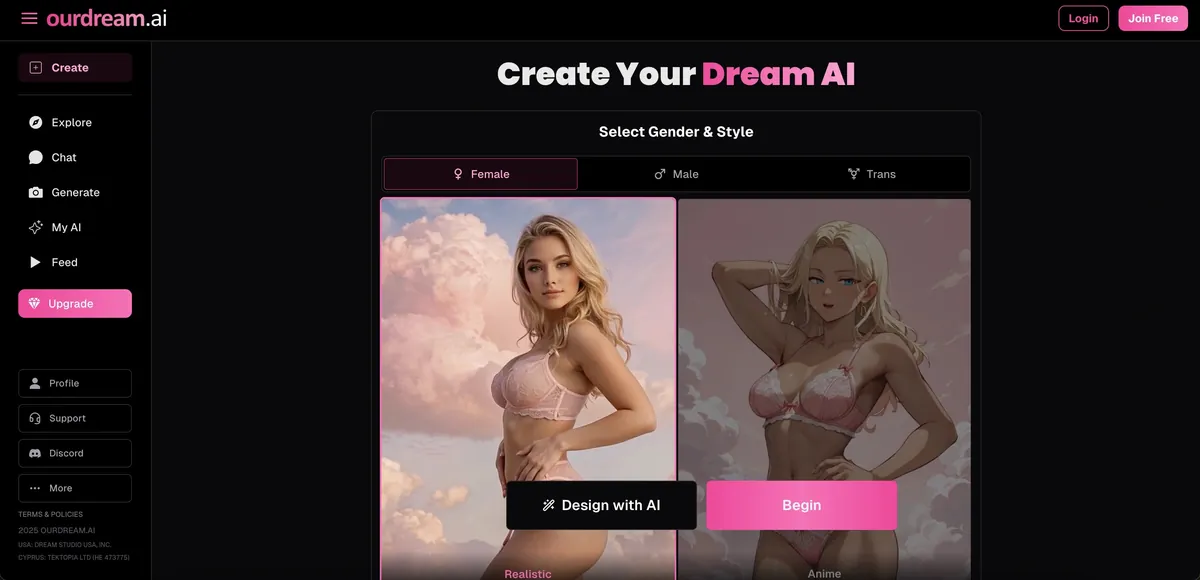
Anime and stylised art with image generation bundled in, and the shortest path from signup to first output of anything here. Text roleplay is the shallower half of the product, so it suits people who are primarily there for the pictures and treat the writing as framing.
- Anime-style character art
- Image generation included
- Fast account setup
- Shallower text roleplay
- Smaller story depth
- Less grounded writing
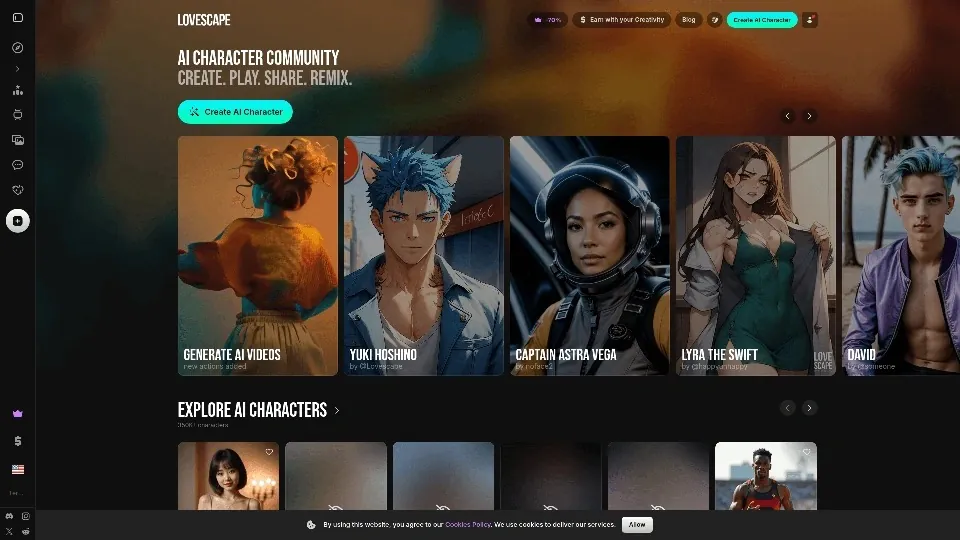
Built around detailed character setup: appearance, temperament and scene framing are all set explicitly before you start, and explicit output is not fenced off behind hedging. The trade is time — the first fifteen minutes are configuration, not story. Worth it if you already know exactly what you want.
- Detailed scene customization
- Uncensored adult content
- Slick visual interface
- Steeper learning curve
- Less voice focus
- Setup takes longer

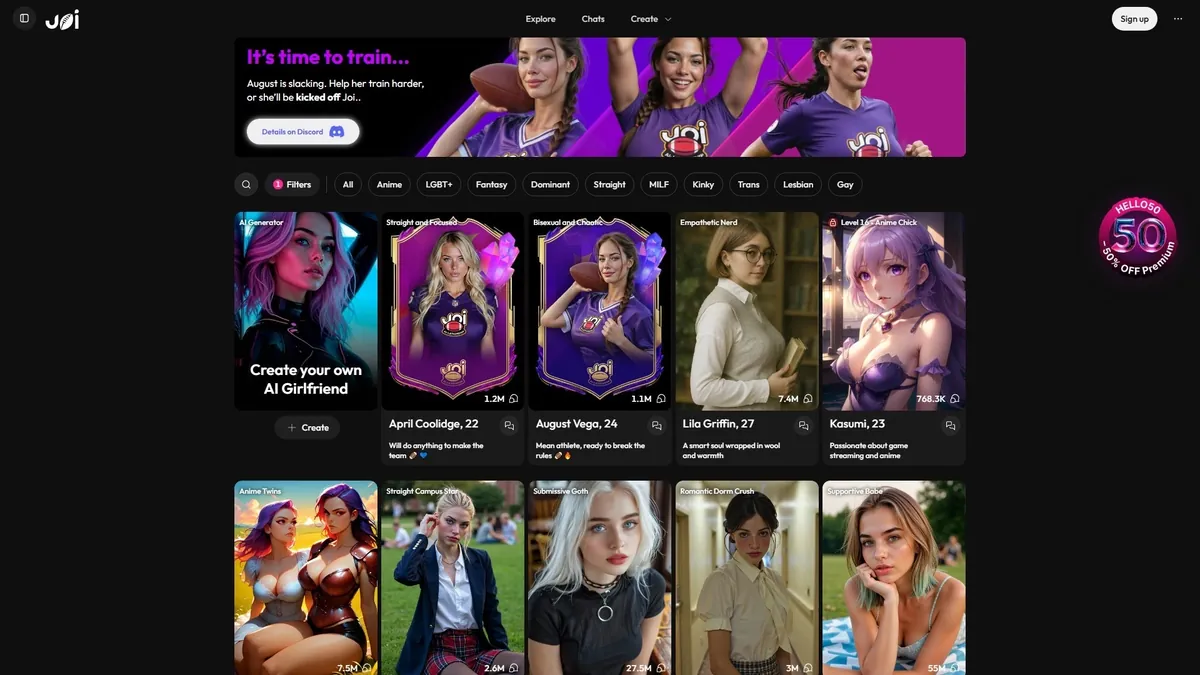
The strongest of the six at holding an emotional register across a long scene, and the only one where voice feels like a first-class feature rather than a bolt-on. Characters stay recognisably themselves between sessions. You pay for that — its month-to-month price is near the top of this group, and the creator community around it is smaller.
- Voice-first roleplay scenes
- Deep emotional consistency
- Strong character roster
- Premium pricing
- Smaller creator community

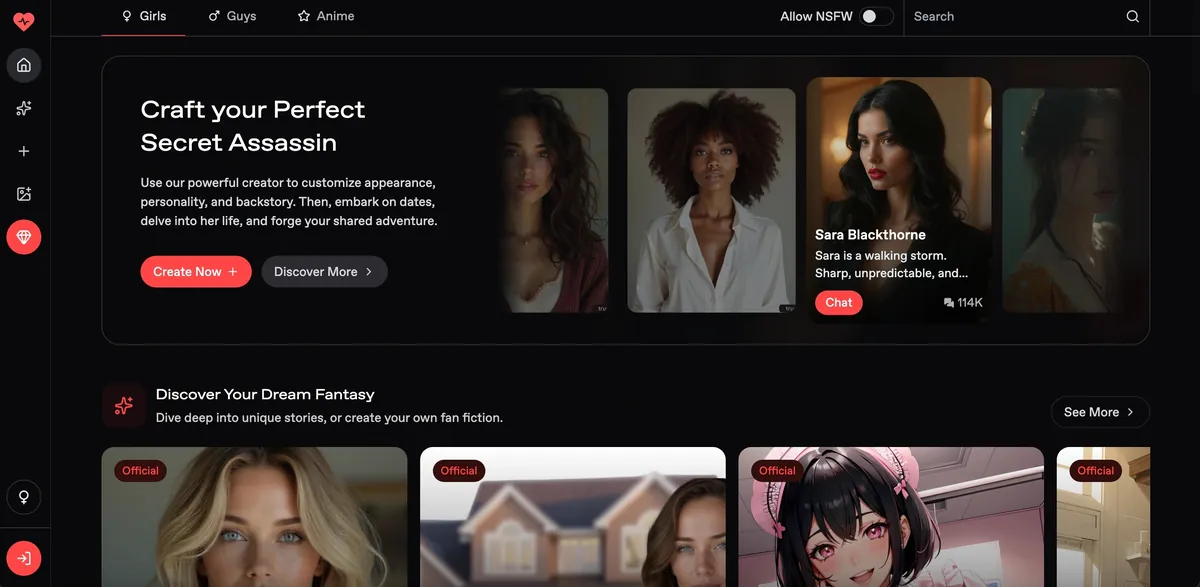
Writes in a romance-fiction register and is genuinely patient about pacing — it will stretch the approach across many exchanges instead of jumping to the payoff. That is the point, and also the objection: if you want explicit immediately, it will feel like it is stalling. Smaller character roster.
- Romantic fiction tone
- Slow-burn story arcs
- Strong written atmosphere
- Smaller character roster
- Slower story pacing
- Less spicy upfront

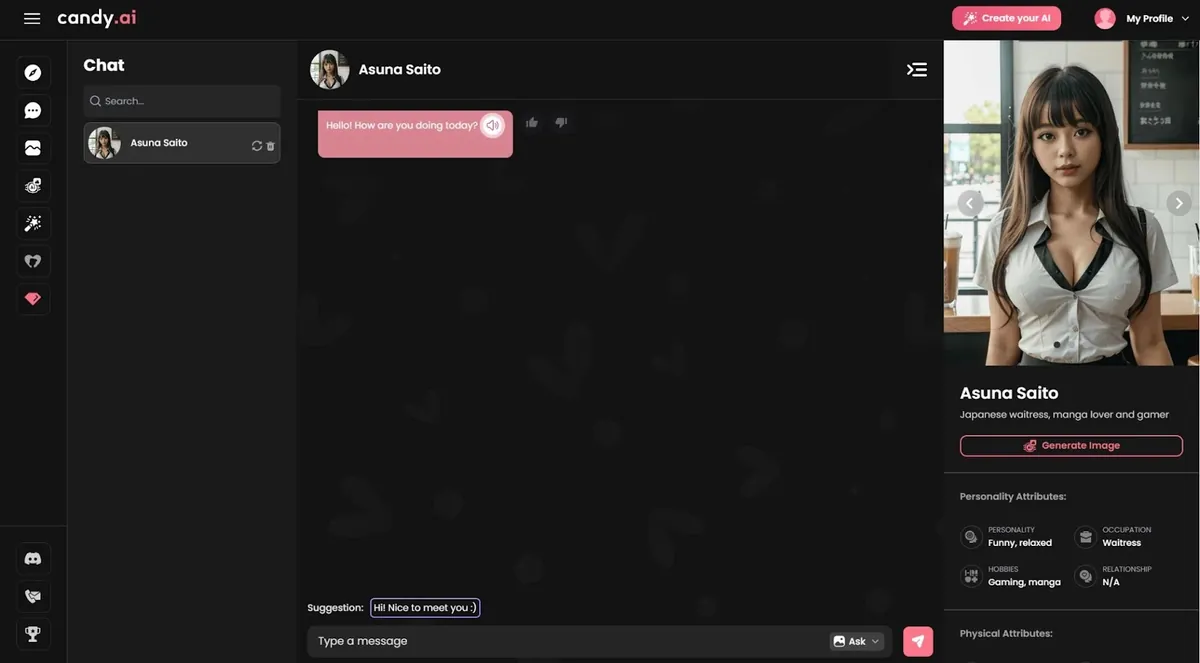
The largest roster of the six and the most responsive on mobile — replies come back fast and the app itself is polished. Long-term memory is its weak point: it is good at a hot scene tonight, less good at a storyline you return to across weeks.
- Huge character library
- Polished mobile app
- Fast response speed
- Weaker long-term memory
- Less consistent continuity
- Generic story beats
Free to try
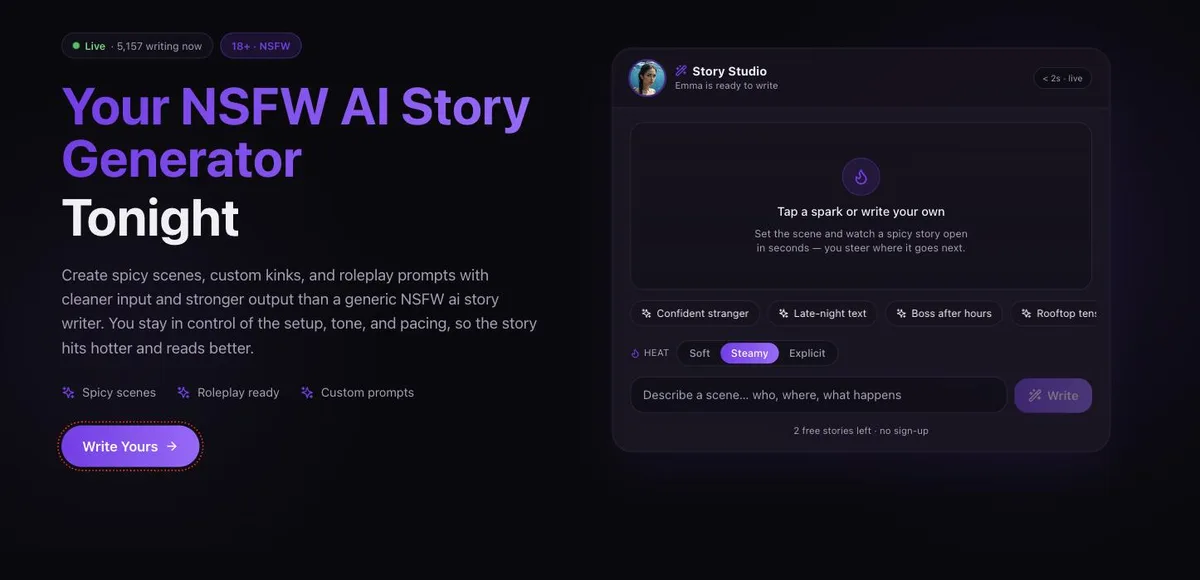
This site. Built for written scenes rather than companionship: you set the premise, tone and pacing, and it writes the story back. Characters keep a defined personality so a scene does not reset every few lines. Free to try in the browser, no install.
- Built for story output, not small talk
- Start writing in the browser
- Scene tone and pacing stay under your control
- Not a long-term companion simulator

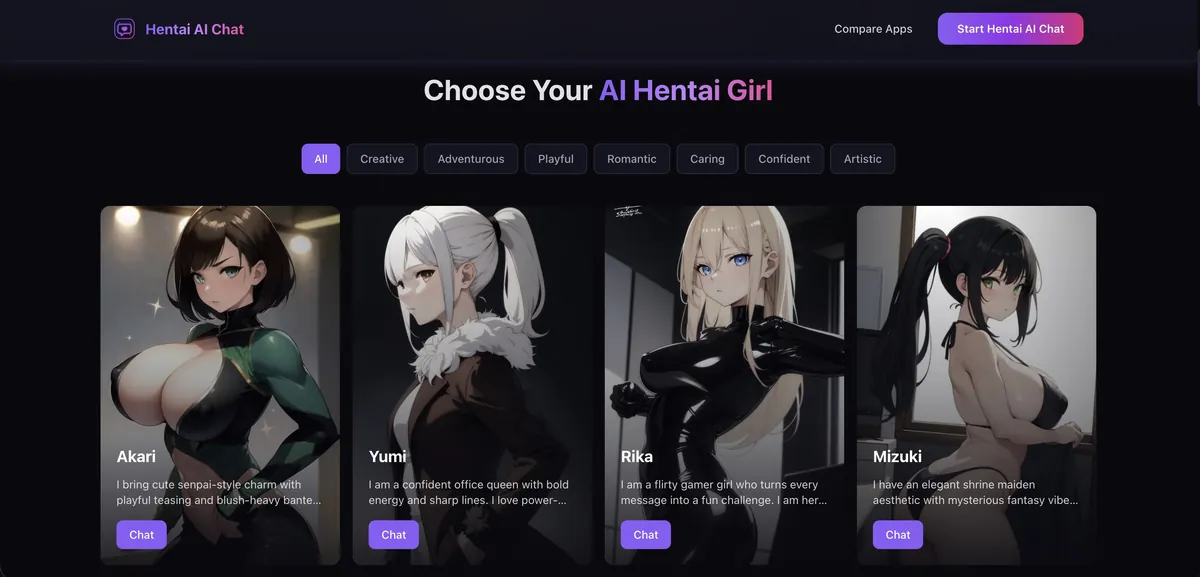
Anime-first: the character roster, the art direction and the writing register are all tuned for hentai and anime fans rather than treated as one style among many. No sign-up needed to start.
- Anime-native character roster
- No sign-up to start a scene
- Narrow by design — no photorealistic side
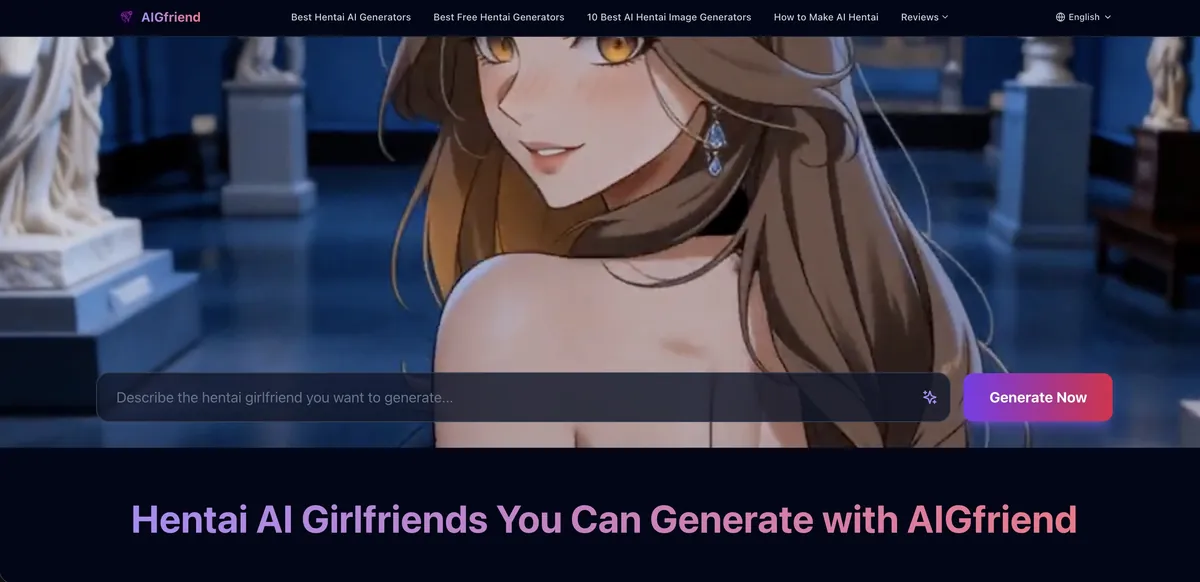
Pairs an anime-style companion chat with image generation of the same character, so the pictures actually match who you have been talking to instead of being a separate roll of the dice.
- Images match the character you are chatting with
- Anime-style generation included
- Smaller character roster than the bigger sites

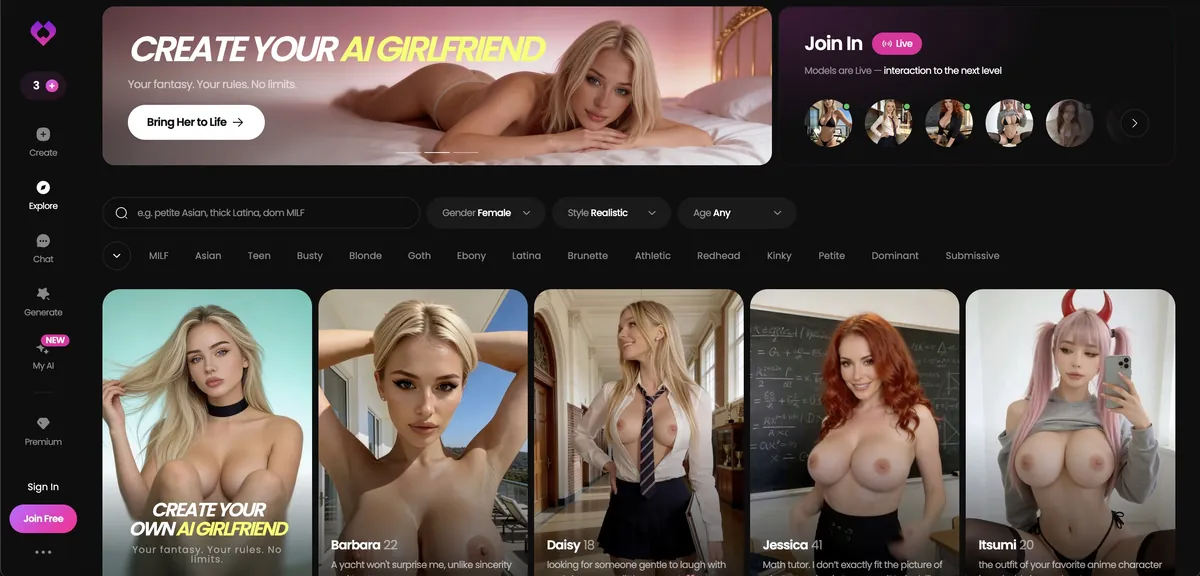
The easiest of the six to get into and the least demanding to set up, which makes it a reasonable place to find out whether you like this kind of tool at all. Premium features and interface polish lag the others, so most people who stay end up moving on to something deeper.
- Easy category entry
- Simple character setup
- Quick testing flow
- Thinner premium features
- Less polished experience
- Lighter roleplay depth

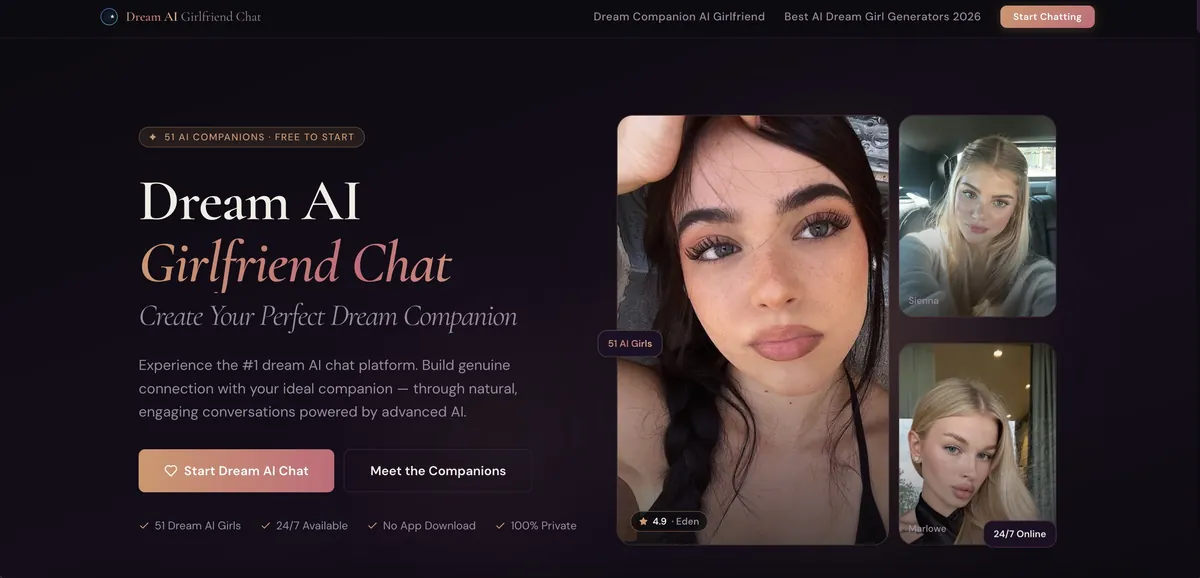
Character-builder first: you define appearance and personality, then generate pictures of what you built. Useful when the point is a specific look rather than browsing someone else’s roster.
- Build-then-generate workflow
- Consistent look across generations
- Fewer ready-made characters to browse
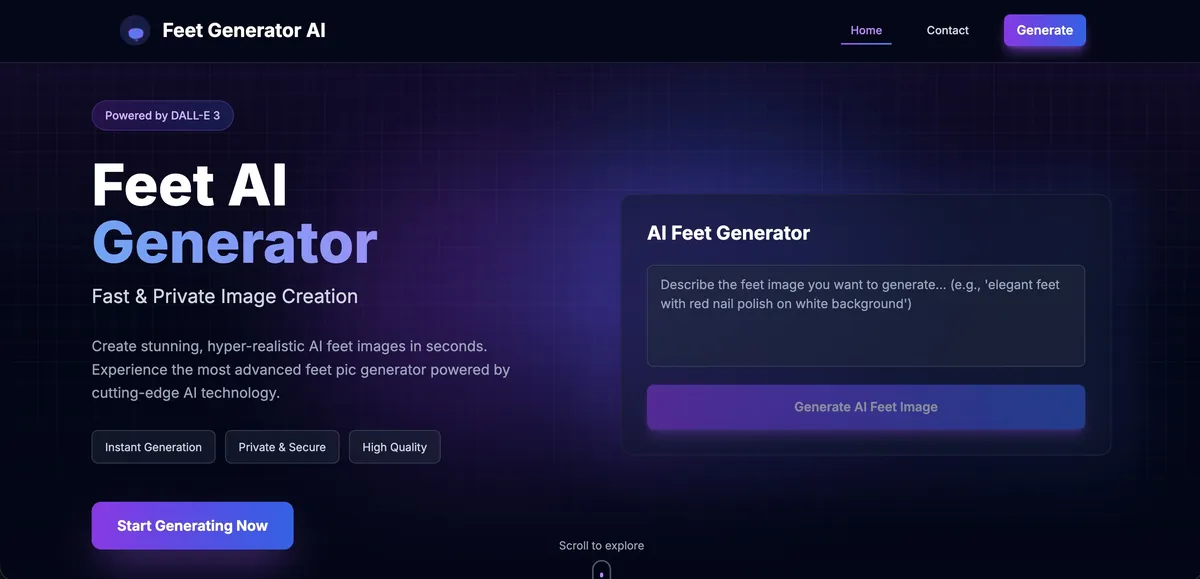
Deliberately narrow: one fetish, tuned for it, no general-purpose menu to wade through. A good illustration of why single-subject generators often beat broad ones inside their niche.
- Tuned for one subject, so prompts are short
- Instant, no setup
- Useless outside its niche
| App | Visual style | Image generation (per card) | Setup effort | Price | Weak spot | Link |
|---|---|---|---|---|---|---|
| OurDream | Anime and stylised art | Bundled in | Fast account setup; shortest path to first output | $19.99/mo · $9.99/mo yearly | Shallower text roleplay | Try → |
| Lovescape | Appearance set explicitly at character setup | Not claimed on the card | High: the first fifteen minutes are configuration | $12.99/mo · $5.99/mo yearly | Steeper learning curve | Try → |
| Joi AI | Chat-first; no art claim on the card | Not claimed on the card | Pick from a strong character roster | $17.77/mo · ~$5/mo yearly | Month-to-month price near the top of this group | Try → |
| Nectar AI | Chat-first; romance-fiction register | Not claimed on the card | Smaller roster to choose from | $9.99/mo · ~50% off yearly | Slow pacing, less explicit up front | Try → |
| Candy AI | Chat-first; the largest character roster | Not claimed on the card | Browse a huge ready-made library | $13.99/mo · $3.99/mo yearly | Weaker long-term memory | Try → |
| NSFW AI Writer | Written scenes, not images | None: this site writes stories | Low: start writing in the browser | Free to try | No image generation | Try → |
| Hentai AI Chat | Anime and hentai only | Roster and art direction tuned for anime | Low: no sign-up to start | Free tier available | No photorealistic side | Try → |
| AIGfriend | Anime-style companion | Images of the same character you are chatting with | Low | Free tier available | Smaller character roster | Try → |
| GoLove AI | Not highlighted | Not claimed on the card | Low: simple character setup | $12.99/mo · $4.15/mo yearly | Thinner premium features | Try → |
| Dream Girl AI | Your own design | Build appearance and personality, then generate her; consistent look | Medium: you design the character first | Free tier available | Fewer ready-made characters | Try → |
| Feet Generator AI | One fetish, tuned for it | Short prompts, instant results | None | Free to try | Useless outside its niche | Try → |
Rows from NSFW AI Writer down are free-to-try sites. Prices checked September 2026 (month-to-month · yearly term per month). Confirm on the provider’s page before paying.
This ranking is weighted toward visual output, which is why the order differs from other pages on this site. OurDream leads because image generation is bundled in and the path from signup to a usable picture is the shortest of the six paid apps, which is the relevant question on a page about making images. Lovescape rewards people who will sit through detailed up-front character setup, the closest a hosted product gets to the specificity a local prompt gives you. Further down the five, the strengths are conversational rather than visual, and we would rather say that than dress a chat app up as an art tool.
Feet Generator AI is included as an argument rather than a plug. A generator tuned for one subject consistently beats a general-purpose one inside that subject, because its training data and its defaults all point the same direction. It is the same reason a specialised LoRA beats a bigger prompt, which the next section covers.
Model families and LoRAs: what actually changes the picture
New generators spend weeks fiddling with samplers when their problem is that they are asking a photorealism model for anime, or an anime model for skin pores. Base model choice accounts for more of the final look than every other setting combined.
A checkpoint is the full trained model file, usually two to twelve gigabytes, and it sets the base style and the quality ceiling. Which one you can actually run, and what that costs, is a question for picking an AI image generator NSFW tool.
| Family | Prompt dialect | Strongest at | Characteristic failure |
|---|---|---|---|
| SD 1.5 and descendants | Loose natural language, heavy weighting | Huge back catalogue of niche LoRAs; fast; forgiving on modest hardware | Anatomy falls apart above 512×512; duplicated limbs on wide frames |
| SDXL photoreal fine-tunes | Short natural-language phrases | Skin, fabric, lighting and photographic composition | Sameface across generations; plasticky sheen at high CFG |
| Pony Diffusion V6 XL | Booru tags plus its own score tags | Explicit acts and poses it knows without a LoRA; the largest adult LoRA ecosystem | Backgrounds are an afterthought; drifts toward its own house look |
| Illustrious XL and derivatives | Booru tags, strictly | Clean linework, character-accurate anime, better prompt-following | Less forgiving of sloppy tags; smaller LoRA library than Pony |
| Flux family | Full sentences; weighting syntax mostly does not apply | Text rendering, scene logic, hands often right first try | Base models are not tuned for explicit content; adult work relies on community fine-tunes |
Checked September 2026. Community fine-tunes move fast; treat the rows as descriptions of families rather than of any one file.
Pony or Illustrious is the most-asked comparison in adult generation. Pony has deeper built-in knowledge of explicit acts and positions, so you can describe something unusual in tags and get it without hunting for a LoRA. Illustrious follows a long prompt more faithfully and draws cleaner lines, so character-accurate anime with a lot of specified detail frustrates you less. Both are SDXL underneath, and both punish prose. Black Forest Labs, which makes Flux, publishes a usage policy that requires documented, informed consent for intimate depictions of real people; we could not confirm the revision date of the current version, so read it yourself.
A LoRA is a small patch file, typically 20–300 MB, layered on a checkpoint at generation time to add one character, style, outfit or act, invoked as <lora:name:0.7>. Almost every "how do I get this specific character or kink" question is answered by a LoRA at 0.6–0.8, not by a different base model. LoRAs compose, but not politely:
- Total weight across active LoRAs is what matters. Three at 0.8 is 2.4, and the image looks like melted wax. Keep the sum near or below 1.2.
- A character LoRA and a style LoRA fight over the same face. Run the character at full strength and the style at 0.4–0.5.
- A LoRA trained on one architecture will not work on another. An SD 1.5 LoRA on an SDXL checkpoint produces noise or nothing, usually without a warning.
- Read the model card for trigger words. Many "this LoRA does nothing" reports are a missing trigger token.
- Check what a LoRA was trained on. Patches built to reproduce a specific living person are exactly the category platforms started removing in 2025.
Prompt craft: order, dialect and weighting
A prompt is not a wish. It is a weighted list of conditions, read left to right, where early terms pull harder than late ones and anything past roughly seventy-five tokens gets processed in a separate chunk with less influence over the composition.
That explains a common frustration. You write two hundred words describing a scene, and the model renders the first sentence beautifully and ignores the rest. The tail of a long prompt genuinely has less grip on the image than the head, so the fix is ordering rather than length. This slot order survives contact with the model:
| Slot | What it controls | Example or rule |
|---|---|---|
| 1. Quality and style anchors | The finish, if your checkpoint uses them | Pony’s score tags, or "photo" / "film still" on photoreal fine-tunes |
| 2. Subject and count | Who is in frame; resolves most duplicated-body errors | "1girl, solo" or "1girl, 1boy" |
| 3. Physical description | Appearance | Two or three words per attribute; long noun phrases blur together |
| 4. Clothing or its absence | What is worn, stated explicitly | "Nude" and "not wearing a shirt" produce different images |
| 5. Pose and framing | Where the picture is really decided | "from below", "lying on back", "close-up", "from behind" |
| 6. The act or interaction | What is happening | State it plainly; the model was trained on tags, not on tact |
| 7. Setting | The background | Two or three terms, or anime checkpoints spend the whole budget on it |
| 8. Lighting and mood | The atmosphere, cheaply | "rim lighting", "golden hour", "harsh flash" |
Two dialects. Anime checkpoints descended from booru datasets expect comma-separated tags: 1girl, solo, long hair, sitting, looking at viewer, from below, dim lighting gets you exactly that, while "a beautiful young woman sitting gracefully and gazing upward" gets a vaguer version. Photoreal SDXL fine-tunes take short phrases and tolerate tags. Flux-family models prefer full sentences, including relational clauses like "her left hand resting on his shoulder" that booru models cannot parse. Knowing which dialect your model speaks is worth more than any prompt list you can download.
Weighting. (term:1.3) multiplies a token’s influence and (term:0.7) reduces it. The useful range is narrow: 0.8 to 1.4 does real work, 1.5 and above distorts everything near that token, and 2.0 reliably produces a smear. If (latex:1.6) is not producing latex, the checkpoint does not know latex well and you need a LoRA, not a bigger number.
- Writing prose at a booru-trained checkpoint, then concluding the model is bad.
- Stacking eight quality tags at the front. After two or three they mostly cancel out.
- Expecting a colour to attach to the right object. "Red dress, green eyes" often yields green in the dress; separate the clauses or use regional prompting.
- Changing three things between generations, so when the image improves you do not know why. Fix the seed and move one variable.
Negative prompts, and fixing hands
A negative prompt is a second embedding the sampler steers away from on every step. It is not a filter applied at the end. Terms the model has no clear concept for do nothing, and terms that overlap with something you want quietly sabotage the positive prompt, which is how a hundred-term negative list ends up making images worse.
Hands are the canonical failure, and the reason is structural. A hand is small in frame, so it gets few latent pixels to encode a lot of information: twenty-seven bones, constant self-occlusion, training images from every angle with half of them blurred or cropped. Flux-family models are noticeably better, but no model has solved it. Adult work makes it worse because hands are close to camera and touching another body.
Negative terms that earn their place
- Anatomy:
bad hands, extra fingers, fused fingers, missing fingers, extra limbs, deformed, mutated. Real concepts the model learned from badly tagged images. - Artefacts:
blurry, lowres, jpeg artifacts, watermark, signature, text, logo. Cheap and reliable. - Composition:
cropped, out of frame, duplicate, multiple views, split screen. Useful on SD 1.5 descendants, which love a diptych when the frame gets wide. - Style contamination, only if relevant:
3d, cgi, renderon a photoreal target,photo, realisticon an anime one. Never both. - One well-regarded negative embedding if your checkpoint recommends it. Three is three lists fighting each other.
| Failure | Why it happens | Fix |
|---|---|---|
| Wrong, fused or extra fingers | The hand gets too few latent pixels | Mask it and regenerate at full resolution, with a detection pass or an inpaint |
| Hand with no clear shape | Nothing told it what to do | Specify the action: hands on hips, gripping the sheets, hand on thigh |
| Shoes appear after writing "no shoes" | The positive prompt has no reliable negation | Move the unwanted thing to the negative prompt |
| Diptych or duplicated body | Wide frames on SD 1.5 descendants; no stated count | 1girl, solo up front; duplicate, split screen in the negative |
| Negative list makes things worse | Inherited blocks of eighty terms that overlap what you want | Cut to terms that name your actual failure; skip bad art, worst quality |
The other honest fix is to hide them: behind the back, out of frame or under a body are compositional choices photographers make anyway, and they cost you nothing.
Prefer writing the scene to rendering it?
The instinct that makes a good prompt (specific pose, specific lighting, specific act, no euphemism) also makes a good story premise. If you would rather describe a scene and have it written back to you in full, that is what this site does, in the browser.
Write a sceneThe refinement loop, then the style
The gap between a passable generation and a finished piece is almost entirely repair work. People who post consistently good adult images are not getting luckier rolls; they run four to fifteen corrective passes on an image that started out roughly as mediocre as yours.
- 1
Batch wide, then lock the seed
Generate eight to sixteen images at native resolution and shop for composition only. Pick one and fix its seed, so every later change is attributable.
- 2
Fix the composition before the detail
If a limb is wrong, use ControlNet (which forces a pose or depth reference) or a rough img2img pass at 0.5–0.6 denoise. Do not polish a face on a body you are going to replace.
- 3
Hires fix, then face and hand detection
A second pass at 1.5× to 2×; above roughly 0.55 denoise the model invents new anatomy. Then ADetailer or its equivalent: one checkbox, and the single biggest quality jump available.
- 4
Inpaint what remains, one region at a time
Use "inpaint only masked" and rewrite the prompt to describe only the masked region. Outpaint a bad frame in steps of 128 to 256 pixels.
- 5
Upscale last, and look at it at 100%
Errors invisible in a thumbnail are exactly the ones a viewer notices on a phone.
| Technique | What it fixes | Typical denoise | What it costs you |
|---|---|---|---|
| Hires fix | Softness and missing fine detail at base resolution | 0.35–0.45 | Roughly doubles generation time; drifts if set too high |
| ADetailer | Faces and hands rendered too small to be coherent | 0.3–0.45 internally | Seconds per region; occasionally changes an expression you liked |
| Manual inpainting | Anything local: a wrong hand, a bad eye, a strap going nowhere | 0.3 to polish, 0.75 to replace | Your time, and the part that separates finished from generated |
| Outpainting | A frame that crops badly or needs more room | 0.6–0.8 on the new area | Seams if you extend too far in one move |
| Dedicated upscaler | Final resolution for full-screen viewing | None, or 0.15–0.25 via img2img | Amplifies existing errors, which is why it goes last |
Keep the rejects, with settings intact, so you can diff a failing prompt against one that worked last week. If you want the finished still to move, the NSFW image to video AI walkthrough picks up from here.
Repair gets you a competent image; style is what makes someone recognise your work without reading the username. Anime lives or dies on tag accuracy, photorealism on lighting, and painterly work tolerates looser anatomy. Stylised 3D is where you end up by accident at high CFG. The levers:
- Medium first:
oil painting,cel shaded,35mm film photograph. One medium term stated early does more than five adjectives. - Lighting:
Rembrandt lighting,on-camera flash. Same prompt, different lighting, different photographer. - Colour grade:
muted palette,warm highlights cool shadows. The most underused category. - Controlled imperfection:
film grain,shallow depth of field. Perfection reads as synthetic.
The settings that matter, and keeping one face
Samplers, CFG and step counts generate the most forum arguments and the least actual difference. Getting them roughly right matters; getting them perfect matters far less than the model you loaded and the prompt you wrote. If you use a hosted platform, most of this is decided for you.
| Setting | Sensible range | What it changes |
|---|---|---|
| Checkpoint | One whose dialect matches how you write prompts | The base style and the quality ceiling |
| Sampler | DPM++ 2M Karras for photoreal; Euler a for anime and fast exploration | The look more than the quality; ancestral ("a") ones keep changing as steps rise |
| Steps | 25–30, and leave them there | Convergence, not quality; 60 costs four times as much for no visible gain |
| CFG | 5–6 on SDXL-family models; around 1–2 on distilled Flux | Prompt obedience: below 3 the model wanders, above 9 it fries |
| Resolution | At or near the model’s native size | Set the aspect ratio by dimensions rather than by cropping later |
| Hires fix | 0.35–0.45 denoise, 1.5× to 2× | Fine detail at working resolution |
| Hand-and-face detection | Enabled by default | Faces and hands too small to render coherently |
| VAE | The one the model card specifies | A missing or mismatched one gives grey, washed-out output |
These ranges behave sanely on SDXL-family models, tested across three local machines. A checkpoint trained with unusual settings can want a CFG two points lower, so begin a fixed-seed sweep here; do not end it here.
CFG causes the most visible damage. Above 9 you get crushed blacks, neon-edged highlights and plastic skin, so if an image is over-contrasted, drop CFG before anything else. Using SDXL numbers on a Flux-family model is the most common mistake people make when they switch.
Seed is the only honest testing instrument you have. Same seed, prompt, settings and model give the same image, so fixing it and changing one thing is how you learn what a change did. Log seed, sampler, CFG, steps, checkpoint and LoRA weights for every result you keep.
Making the same face twice
Consistency is the hardest ordinary problem. A fixed seed holds a face only while everything else is identical, and detailed descriptions get you a family resemblance, not a person. On hosted sites, a build-then-generate workflow is the shortcut. Locally, the real answer is a character LoRA:
- 1Assemble 15–30 images. Twenty good ones beat eighty repetitive ones, and one bad image can poison a small set.
- 2Vary angle, expression, lighting and distance. Anything consistent across the set gets learned; if every image shares a background, you trained a background.
- 3Caption in your base model’s dialect, with one unique trigger word that is not a real English word.
- 4Train on the same architecture you will generate on. This is the most common reason a first LoRA produces nothing.
- 5Test at 0.5, 0.7 and 1.0 on a fixed seed. Over-trained looks rigid; under-trained loses the likeness when the pose changes. Keep the dataset for retraining.
The rules you cannot break
Nothing about the technique is regulated. What is regulated is the subject: who is depicted, whether they agreed, and whether they could have agreed. This is a summary as of September 2026, not legal advice; if a real decision depends on it, pay a lawyer in your jurisdiction.
- Fictional adults and composites that resolve to no identifiable person: lawful to make and possess in most Western jurisdictions, and the overwhelming majority of what gets made. Platform rules still apply to where you post.
- A real adult who gave explicit, documented, informed permission, with the scope written down and revocable. Verbal agreement in a DM is not documentation.
- A real person without consent, sexualised: criminal in a large and growing number of jurisdictions. Fame is not consent, and a photo someone sent you privately is not permission.
- Anything depicting or appearing to depict a minor: illegal, full stop, with no stylistic carve-out and no "but it is drawn".
Two laws carry most of the weight. The US TAKE IT DOWN Act, signed on 19 May 2025, criminalises publishing nonconsensual intimate imagery, explicitly including AI-generated material. In the UK, section 138 of the Data (Use and Access) Act 2025, in force since 6 February 2026, makes it an offence to create, or ask someone else to create, a nonconsensual intimate deepfake, so making one "just for yourself" is no longer safe ground. The character LoRA workflow above works just as well on scraped photos of a real person; consent is what separates craft from an offence.
On minors, "no real child was involved" is not a defence. US federal law reaches obscene visual depictions of minors regardless of whether an actual child was involved, and UK law covers drawn and computer-generated images. If a model produces something that reads as underage from an adult prompt, delete it and change the prompt, checkpoint or LoRA. Some anime-leaning fine-tunes skew young by default, and managing that is your responsibility.
Finally, ownership. In the US you probably do not own the copyright in an image you produced by prompting alone. The Supreme Court declined to hear Thaler v. Perlmutter on 2 March 2026, leaving standing the rule that work without a human author cannot be registered, and the Copyright Office said in January 2025 that prompting is instruction rather than authorship. Substantial manual editing, compositing, or generation driven by your own sketch or photograph may count as human contribution.
How to choose the right tool for NSFW AI art
The choice comes down to how much control you want and how much setup you will tolerate before the first picture. Work through it in this order.
- 1
Decide whether you need the controls
Every hosted pick trades the sampler, seed and inpainting controls for a result in a browser on a laptop with no dedicated GPU. If a finished, repaired image matters more than convenience, you are choosing a local setup, and our AI image generator NSFW buyer’s guide covers hardware and price in depth.
- 2
Try a free site before you pay
Twenty minutes on one of the free-tier sites above tells you whether you enjoy anime-first, character-driven or single-subject work, and finding out costs nothing.
- 3
Pictures first: OurDream
Anime and stylised art with image generation bundled in, and the shortest path from signup to a usable picture. $19.99/mo · $9.99/mo yearly. The trade-off is shallower text roleplay.
- 4
A character specified in detail: Lovescape
Appearance and scene framing are set explicitly before you start, and the first fifteen minutes are configuration. $12.99/mo · $5.99/mo yearly. Slower to begin, more precise.
- 5
The character matters more than the picture: the chat-first three
Joi AI for voice, Nectar AI for slow-burn romance, Candy AI for roster size. If that is really what you want, choosing an NSFW AI chatbot ranks the same apps on conversation instead.
- 6
Going local: pick the family by the look
An SDXL photoreal fine-tune for skin and lighting, Pony for explicit acts without a LoRA, Illustrious for character-accurate anime, Flux for hands and scene logic via community fine-tunes.
Whichever you pick, the craft transfers: prompt order, lighting terms and saying what the hands are doing improve output on a hosted generator exactly as they do locally.
The same craft, applied to writing
Specificity, structure and knowing when to stop refining transfer directly from images to text. NSFW AI Writer writes explicit stories from a premise you define, and it is free to start in the browser.
Try the story generatorFrequently asked questions
Where can I make NSFW AI art without installing anything?
A hosted platform. Of the paid apps we ranked, OurDream is the most picture-led, with anime and stylised art and image generation bundled in, and Lovescape suits people who want to set a character’s appearance in detail first. Several free sites, including Hentai AI Chat, AIGfriend and Dream Girl AI, have free tiers. You give up the sampler, seed and inpainting controls a local setup offers.
Is NSFW AI art illegal?
Not inherently. In most Western jurisdictions, explicit images of fictional adults are lawful to create and possess. What is criminalised is sexual imagery of a real, identifiable person made without their consent, and any material depicting or appearing to depict a minor. The technique is not regulated; the subject is.
Is it legal to make AI art of a real person?
Sexual imagery of a real, identifiable person without their consent is criminal in a large number of jurisdictions. The US TAKE IT DOWN Act, signed in May 2025, covers publishing it including AI-generated versions, and UK law since 6 February 2026 makes even creating one an offence. With documented, informed consent from an adult the position is very different, but fame is not consent.
Do I own the copyright to AI art I generate?
In the United States, generally not if prompting was your only contribution. The Supreme Court declined to hear Thaler v. Perlmutter on 2 March 2026, and the Copyright Office reached the same conclusion in January 2025. Substantial manual editing, compositing, or generation driven by your own sketch or photograph can add protectable human contribution.
Why do AI-generated hands still look wrong?
A hand occupies very few latent pixels but carries a lot of structure: twenty-seven bones, constant self-occlusion, and training images that show it from every angle, often blurred. Negative prompts lower the failure rate; the fix is regenerating the masked hand at full resolution with inpainting or an automatic detail pass such as ADetailer.
What is the difference between a checkpoint and a LoRA?
A checkpoint is the full trained model, usually several gigabytes, and defines the base style. A LoRA is a small patch file, typically 20 to 300 MB, layered on top to add one character, style or concept, invoked as <lora:name:0.7>. You can stack several on one checkpoint, but total LoRA weight much above 1.2 tends to degrade the image.
Pony Diffusion or Illustrious XL for adult work?
Both are SDXL-based and expect booru-style tags. Pony has deeper built-in knowledge of explicit acts and the larger adult LoRA ecosystem, so unusual requests often work without extra files. Illustrious produces cleaner linework and follows long, detailed prompts more faithfully, which suits character-accurate anime.
What CFG scale should I use?
On SDXL-family models, 4 to 7 is the usable band and 5 to 6 suits most work. Too low and the model ignores parts of your prompt; too high gives crushed contrast and plastic-looking skin. Flux-family models use a different guidance scheme and want much lower values, often around 1 to 2.
Why does my AI art look grey and washed out?
That is almost always a missing or mismatched VAE, the decoder that turns the latent into pixels. The tell is output that looks grey, washed out and immune to prompt changes. Load the VAE the model card specifies. If the image is over-contrasted instead, with crushed blacks and plastic skin, drop CFG before touching anything else.
What is inpainting and when should I use it?
Inpainting masks part of an image and regenerates only that region, keeping the rest as context. Use it for wrong hands, bad eyes or a strap that goes nowhere. Choose "inpaint only masked", set denoise around 0.3 to polish or 0.75 to replace, and rewrite the prompt to describe only the masked area.
How many images do I need to train a character LoRA?
Roughly 15 to 30 good ones, and variety matters more than volume. Vary angle, expression, lighting and distance, because anything consistent across the set gets learned as part of the character, including backgrounds. Train on the same architecture you will generate on.
What if a generator produces something that looks underage?
Delete it and treat it as a fault in your setup. Some anime-leaning fine-tunes and LoRAs skew young by default, and managing that is your responsibility. US federal law reaches obscene depictions of minors whether or not a real child was involved, and UK law covers drawn and computer-generated images.
Ranking and commentary are based on how the products actually performed in testing. Prices, limits and policies in this category change constantly — always confirm the current terms on the provider's own page before paying. Nothing here is legal advice. 18+ only.
Written by
Elias RookGenerative media lead — image & video
Runs the local GPU rigs, breaks the models, and writes down exactly which setting was responsible. Covers everything on this site that outputs pixels rather than sentences.
- Colour and compositing background in post-production
- Running local diffusion stacks since 2023
- Maintains 8GB / 16GB / 24GB benchmark machines
Keep reading
Image tools
AI Image Generator NSFW: The Best Picks for 2026, Ranked and Compared
Our ranked NSFW image generator picks, then hosted vs local, real cost per kept image, content-policy tiers, VRAM tiers and what to test before a trial runs out.
Video
NSFW Image to Video AI in 2026: Best Picks and How to Animate a Still
Top picks for NSFW image to video AI, honest about which ones actually make video, plus the source-image checklist, fixes for flicker and drift, and local VRAM tiers.
Chatbots
Best NSFW AI Chatbot in 2026: 5 Tested, Ranked and Compared
Five NSFW AI chatbots ranked and compared on memory, voice, pacing and price, plus practical fixes for forgetting, repetition and flat prose.